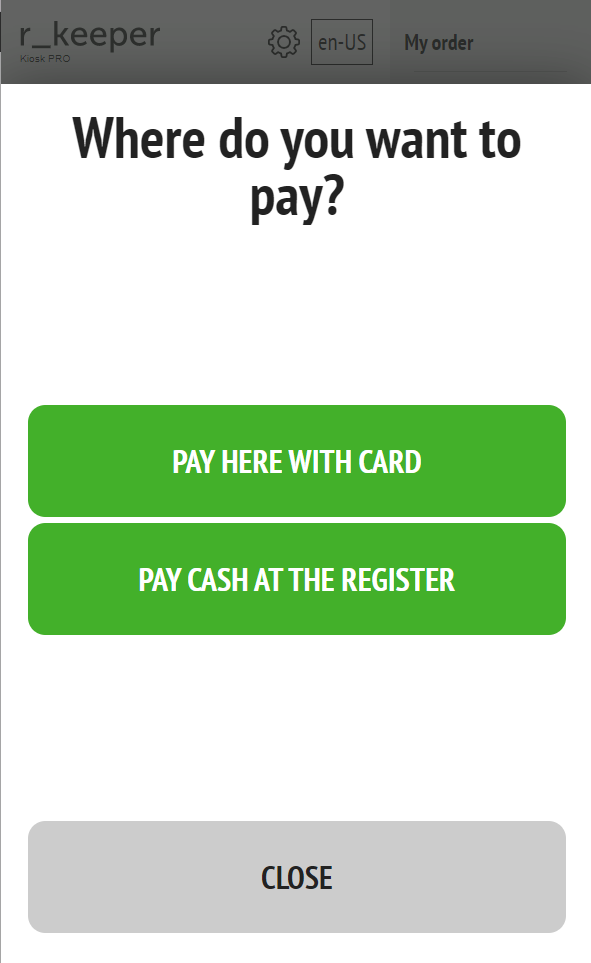
in the “My order” menu, click on the “Pay” button;
Choose a payment location (kiosk or cash register); When choosing “At the kiosk”:
select a payment method (bank card or bonus card);
When choosing "Pay with a bonus card," a window will appear and you need to swipe the bonus card through the reader or enter its number manually;
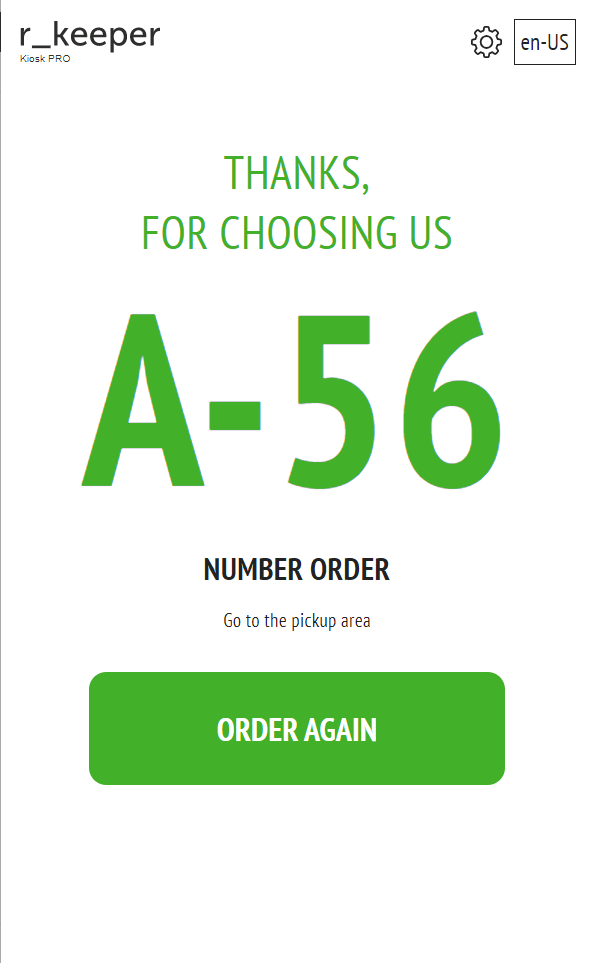
When you select "Pay by bank card", a window will appear with tips on the payment sequence: "Insert card" > "Wait..." > "Enter PIN code" > "Wait..." > "Take card" > Final message, which displays information about the order (order number for the electronic queue). When you click on this window or the kiosk is inactive for 20 seconds (configurable), the kiosk will go to the starting state. When choosing “At the cash register”:
the order is transferred to the cash register with the cashier;
a message with the order number and a reminder to pay for the order at the cash register appears on the screen.