R_k Delivery can send notifications to the cash register when an order is created outside the establishment's interface.
It is necessary to make some preliminary settings in the establishment card:
- Set time zone
- Disable automatic order acceptance
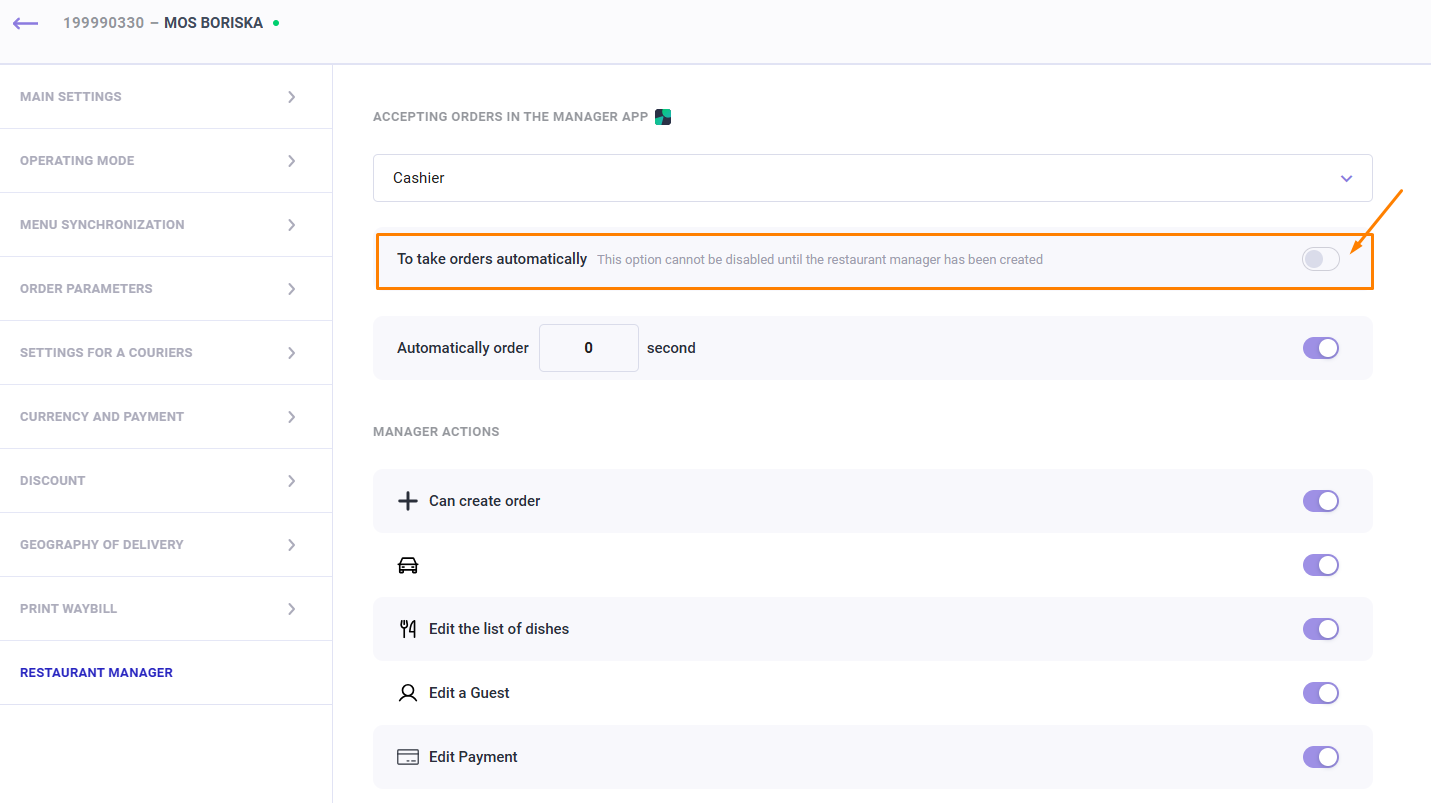
Notification at the cash register
After confirmation, a notification about a new order is sent to the cash register
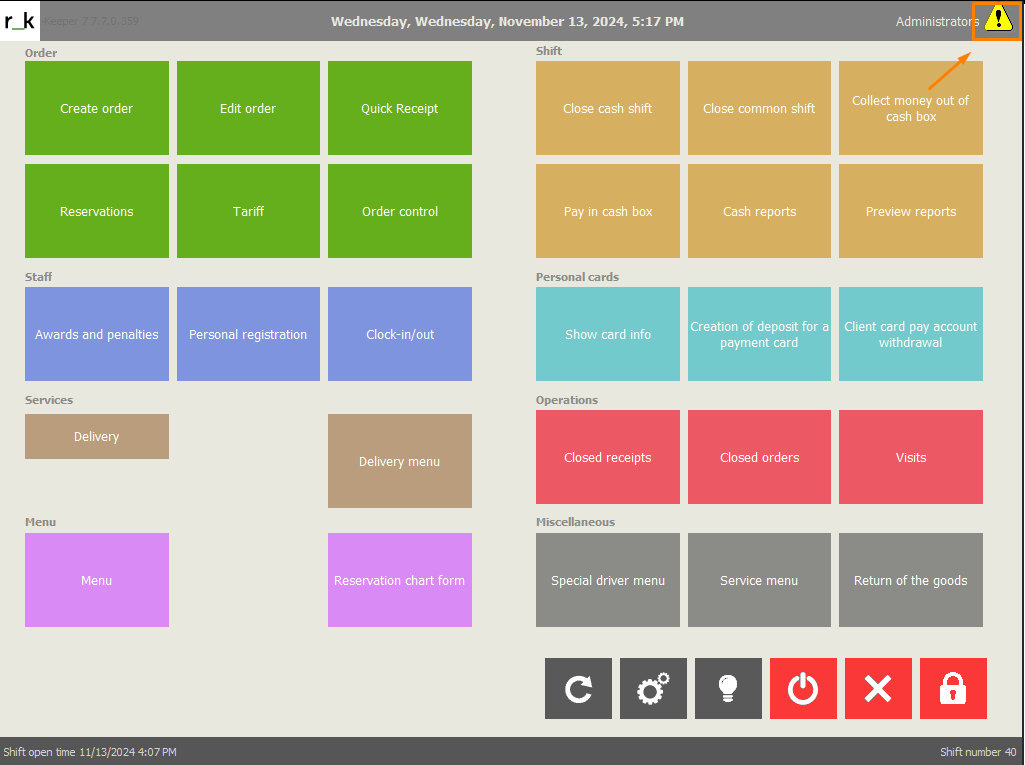
Clicking on the notification sign will display detailed information:
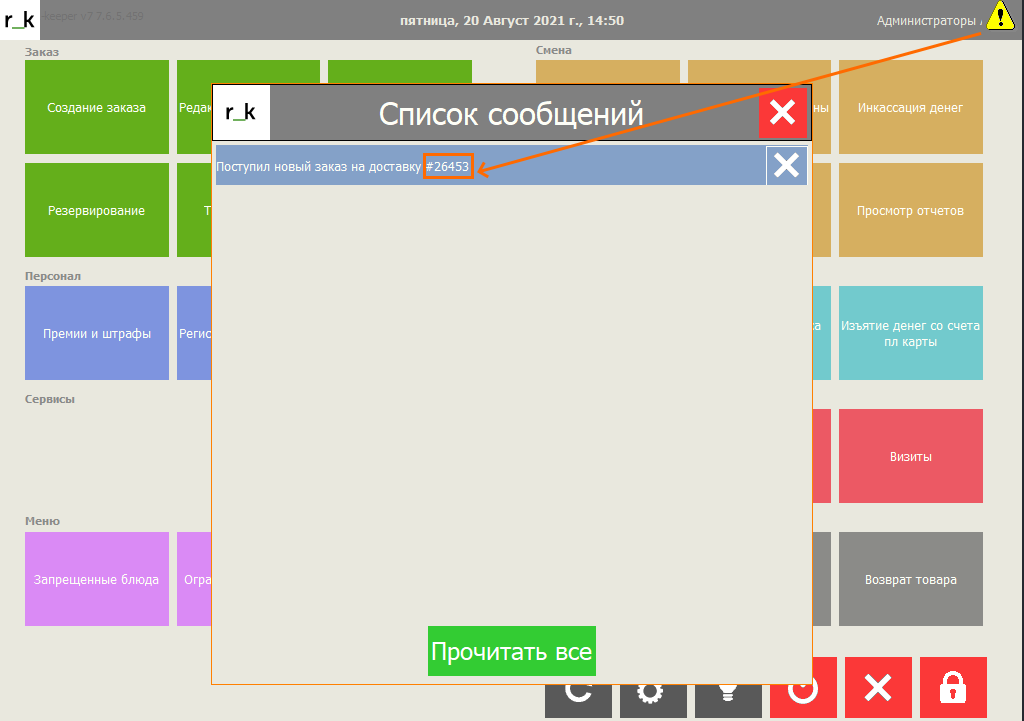
Clicking on a message will open an additional window with the time the message was sent.
Click OK and the notification will be removed from the cash register.

When new notifications appear, you can use the

button to read previous ones whose lifetime has not expired.
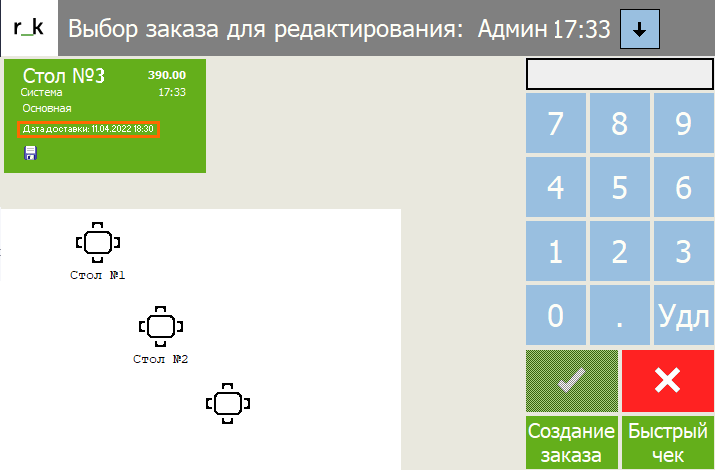
When you go to Edit Orders, you will see the order created for the delivery table, in our case table No. 3
The order card contains key information:
- Order amount
- Creation time
- Delivery date and time
Depending on the delivery time, select the order card and continue working with the order at the cash register.