For a user to have the right to perform settings for the FoodFactory application, set the flag for the permission "Allow configuration of FoodFactory settings" on the StoreHouse tab in the user properties.
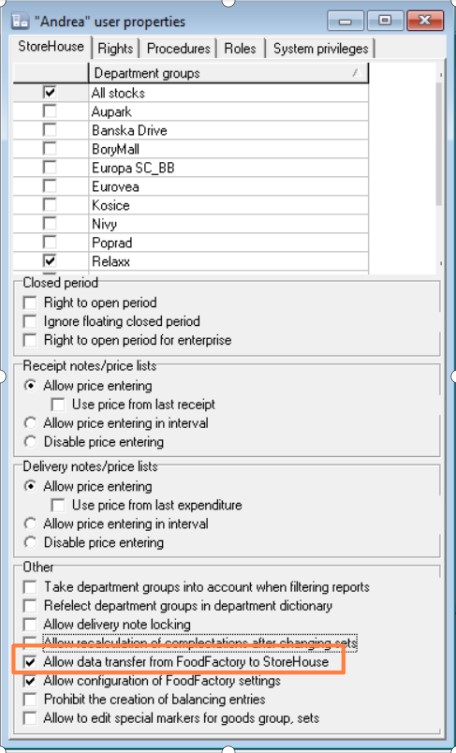
For a user to have the right to export created documents from FoodFactory to r_k StoreHouse Pro, set the flag for the permission "Allow data transfer from FoodFactory to StoreHouse" on the "StoreHouse" tab in the user properties.
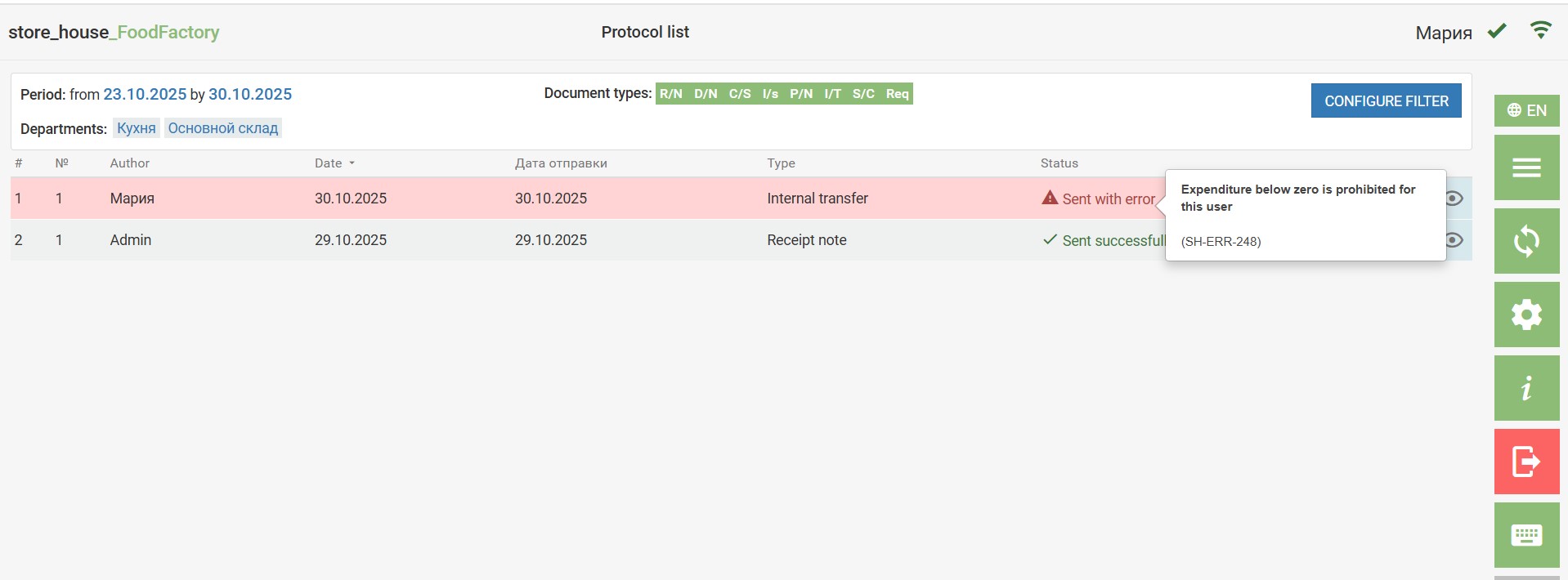
If the user has the "Prohibit the creation of balancing entries" flag set, then if they create documents requiring compensation in StoreHouse5, these documents will not be transferred to r_k StoreHouse Pro. The data transfer log will display a data transfer error.
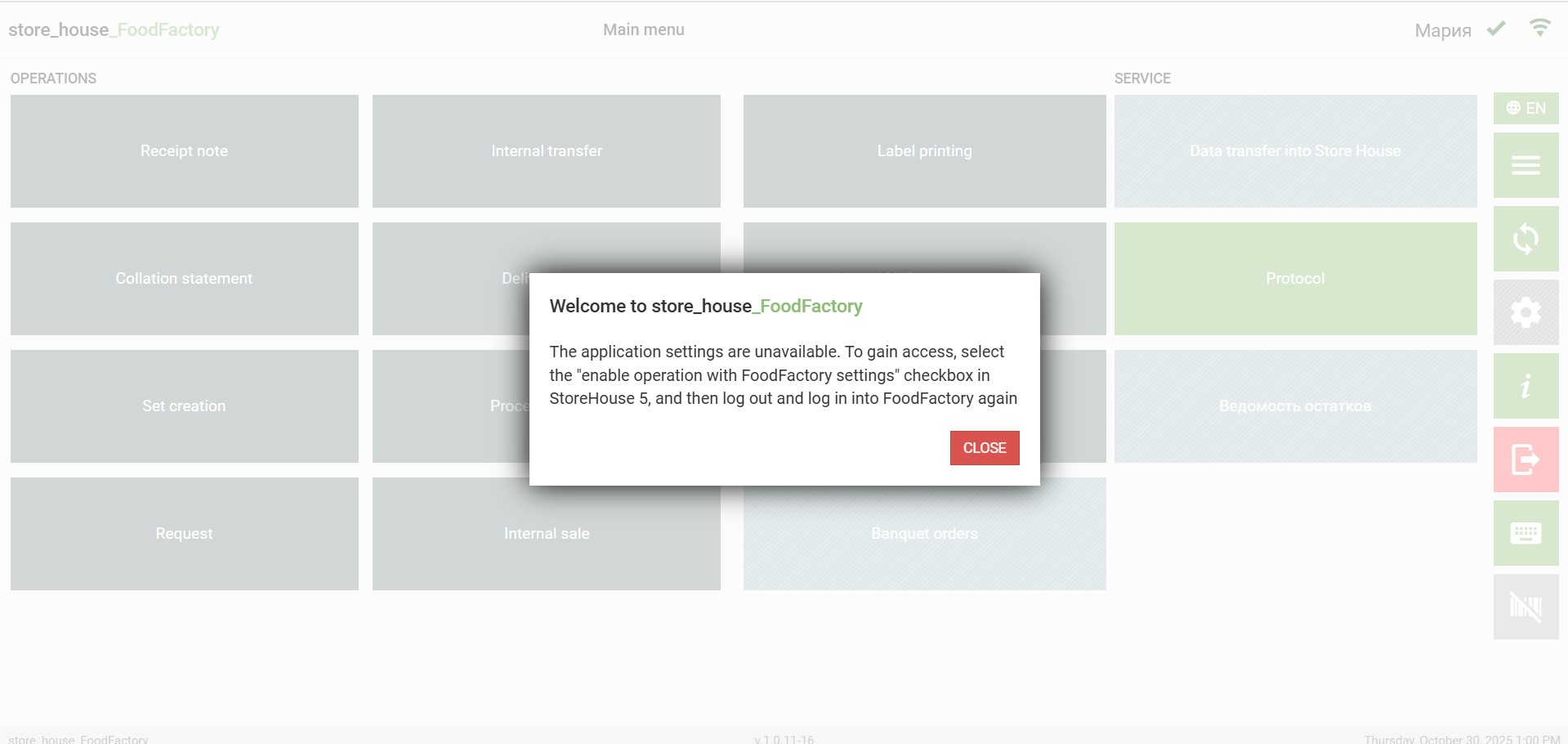
If a user lacks the permission to work with FoodFactory settings, upon first login to the program, a message will appear on the screen with recommendations on how to gain access to the program settings.
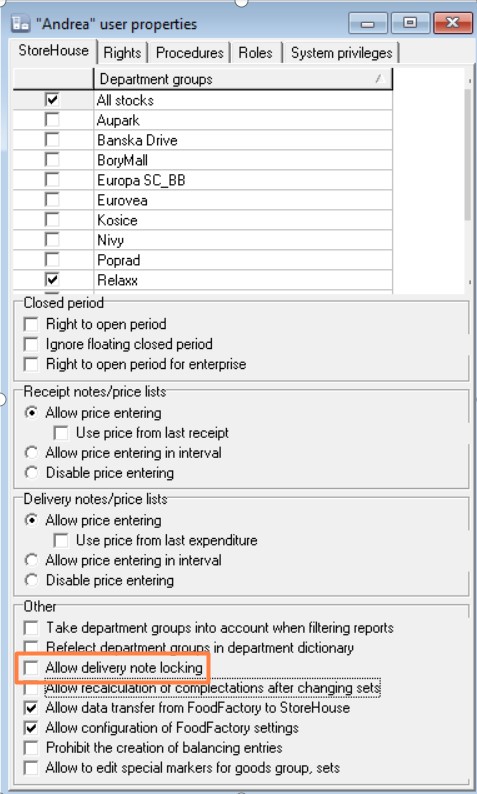
For a user to have the right to administratively lock delivery notes, set the flag for the permission "Allow delivery note locking" on the "StoreHouse" tab in the user properties.