Activating Delivery Notes in Creation Mode
To make a document active, set the flag in the "Activate" field. The flag in the "Activate" field will be set by default when creating a delivery note if the "Create as Active" flag is set in the document settings.
A user can only activate a document if they have access to department groups. If this right is absent, the "Activate" field will be unavailable for editing. |
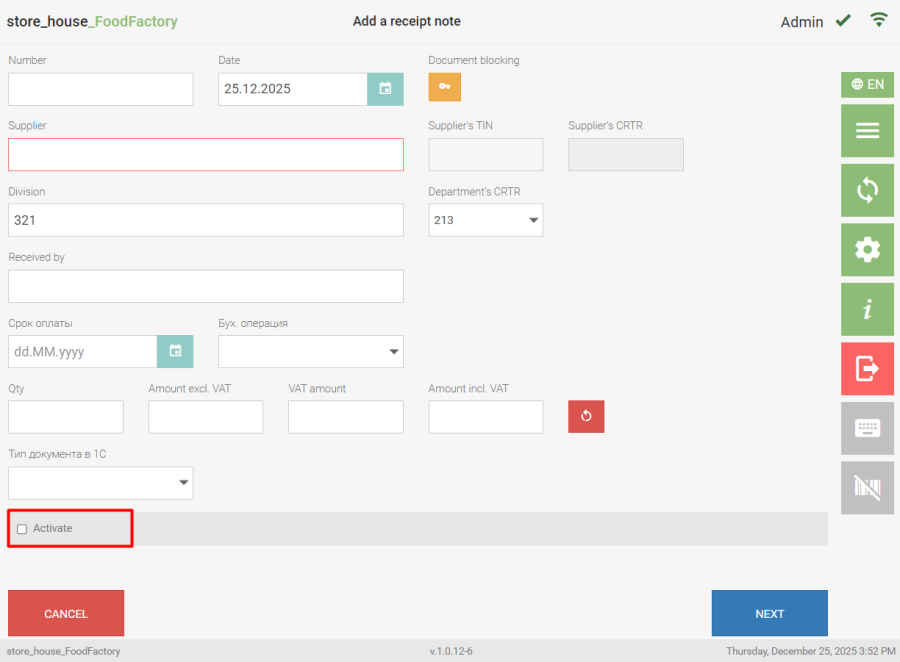 If a user does not have access to department groups, the document is created as inactive and this user cannot activate it, even if the "Create as Active" flag is set in the document settings. To proceed to the goods selection page, click the "Next" button.
This section describes working with documents BEFORE saving to r_k StoreHouse Pro. |
If a user's rights to work with certain departments are limited, then for internal transfers, set assemblies, and Processing notes, activation must be performed by two users:
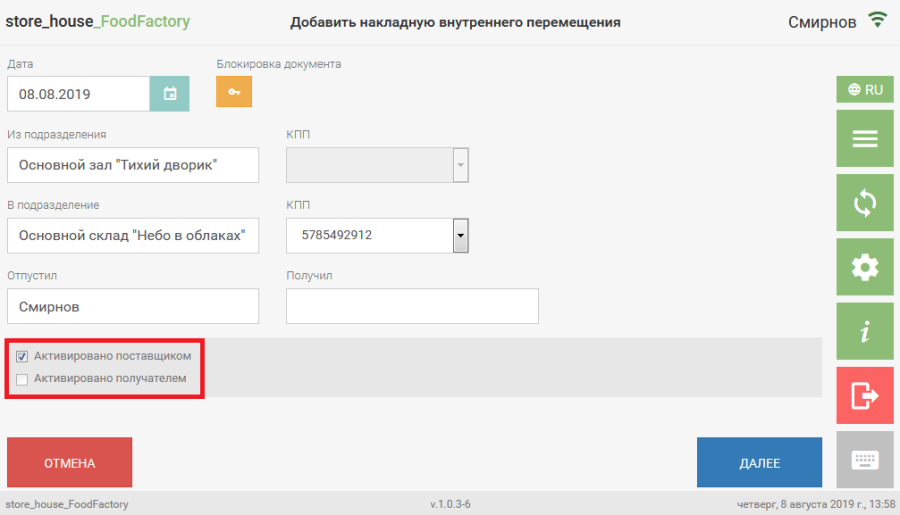
- The first user has rights to the department group acting as the "supplier" of goods and can set the "Activated by Supplier" flag during delivery note creation.
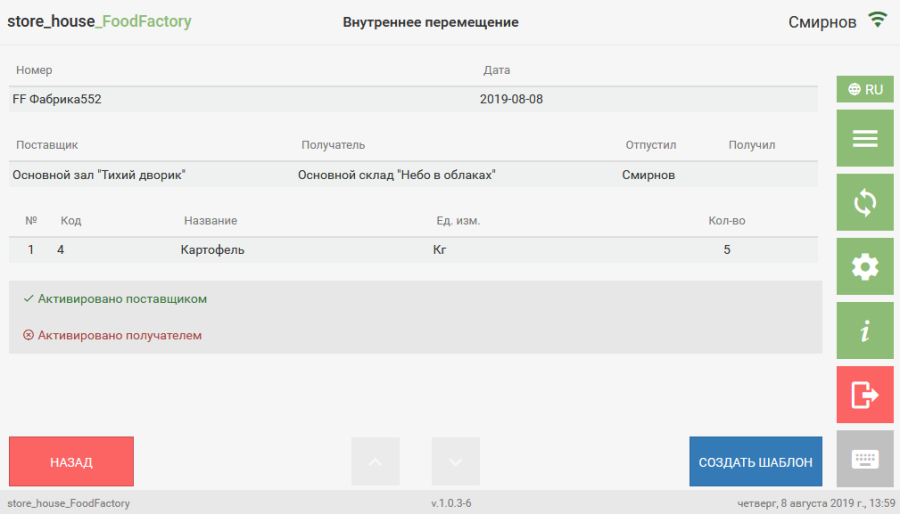
 After saving, the delivery note view shows that it is only activated by the supplier.
- The second user has rights to the department group acting as the "recipient" of goods and can set the "Activated by Recipient" flag during editing of the delivery note created by the first user.
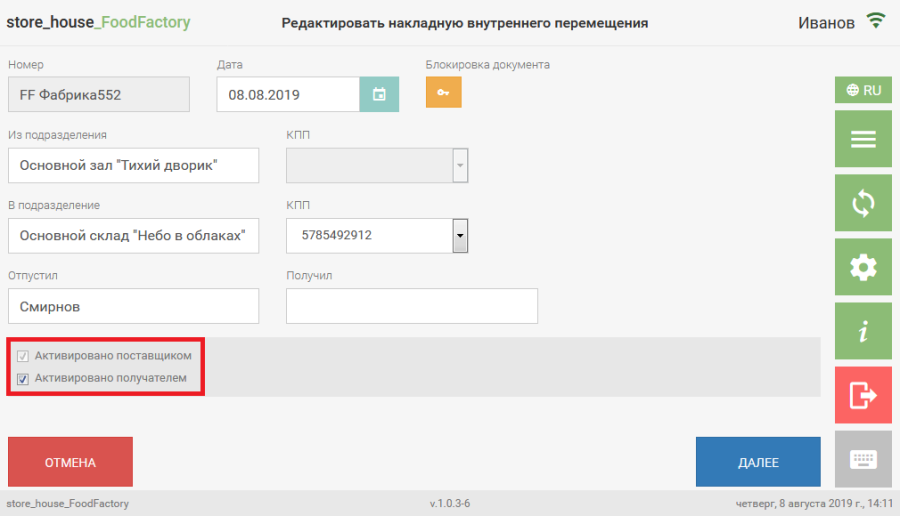 After saving, the delivery note view shows that it is activated by both the supplier and the recipient.
 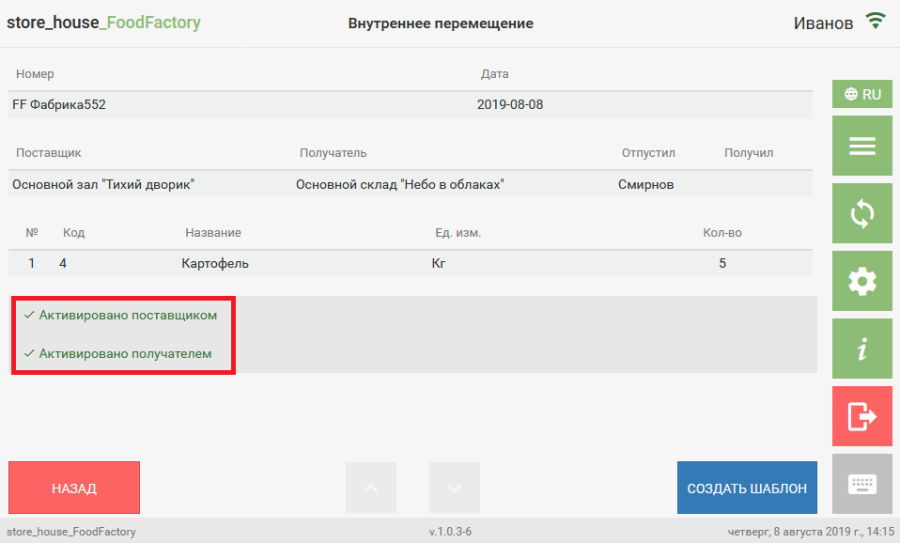 In editing mode, a user can activate or deactivate any delivery notes created by other users, provided they have rights to the necessary department groups.