To search for a goods item in the delivery note within the goods list, you can use the contextual search function. To open the contextual search line, click the button  at the top of the window.
 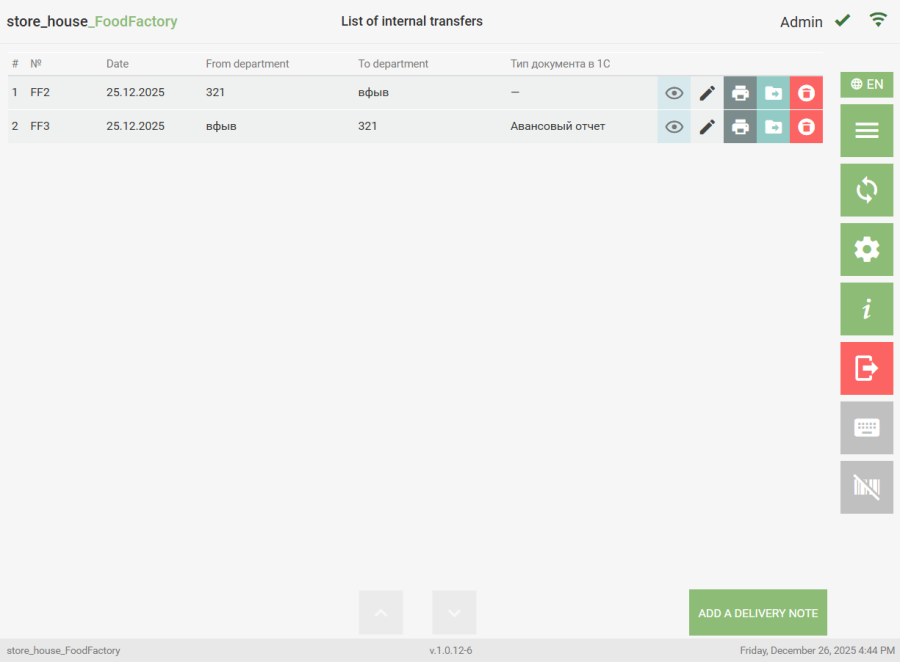 After this, the contextual search line will open.
 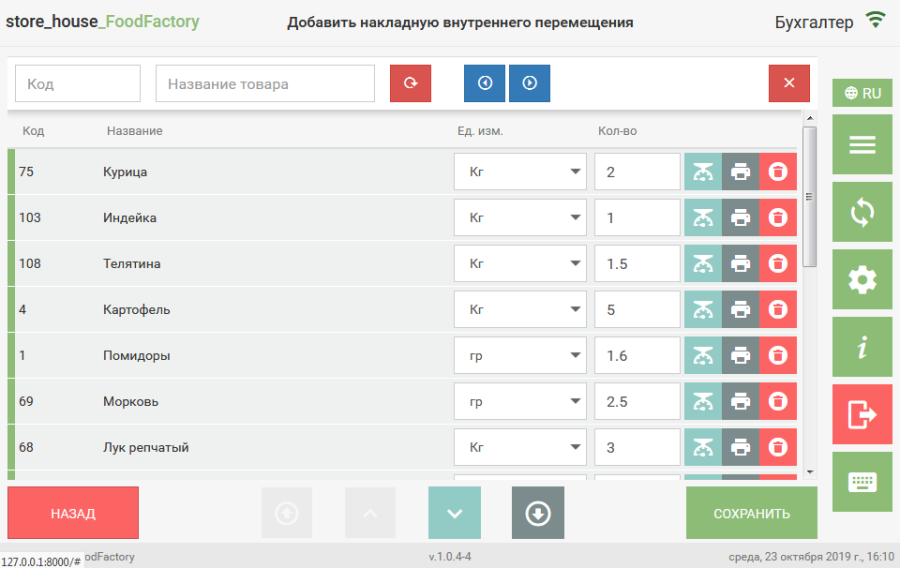 To search for a goods item by code, enter a numeric code or part of the goods code (from 1 digit) in the "Code" field. Rows with found goods will be yellow, and the row with the first found goods item will be highlighted in green. To view the found goods, you can use the navigation buttons
  .
.
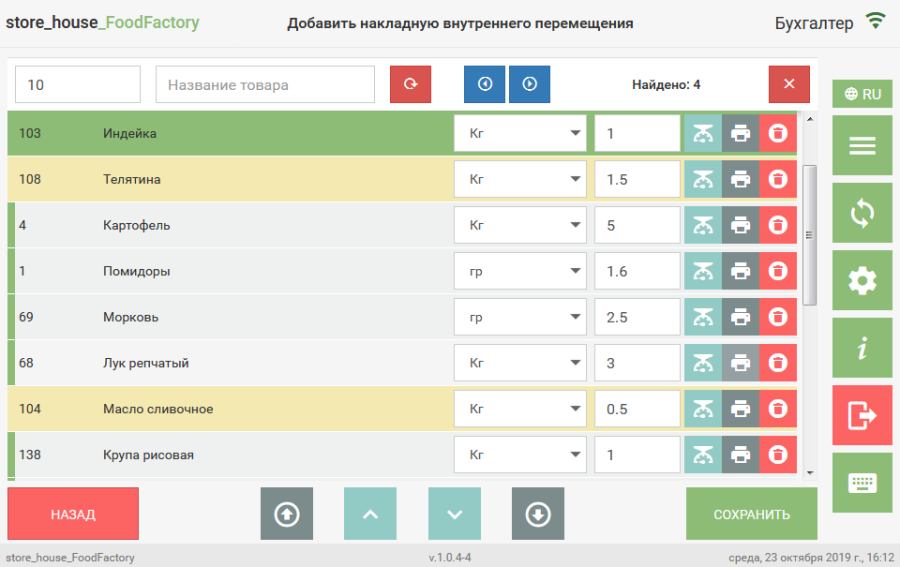
When clicking the button  the previous found goods item will be highlighted in green; when clicking the button
  the next found goods item will be highlighted in green. The number of found goods is indicated to the right of these buttons. To search for a goods item by name, enter the name or part of the goods item name (at least 1 letter) in the "Goods Name" field.
 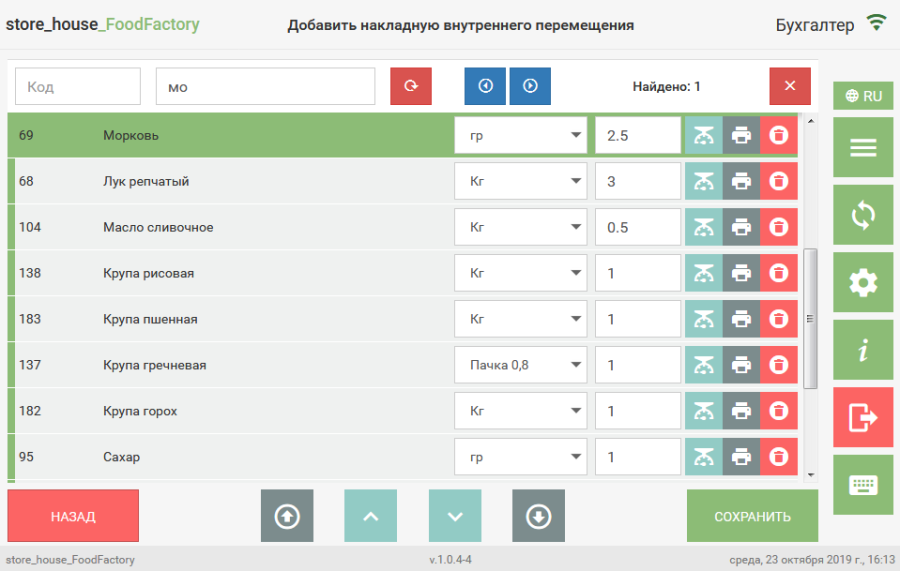 Searching for a goods item by code and name simultaneously is possible.
 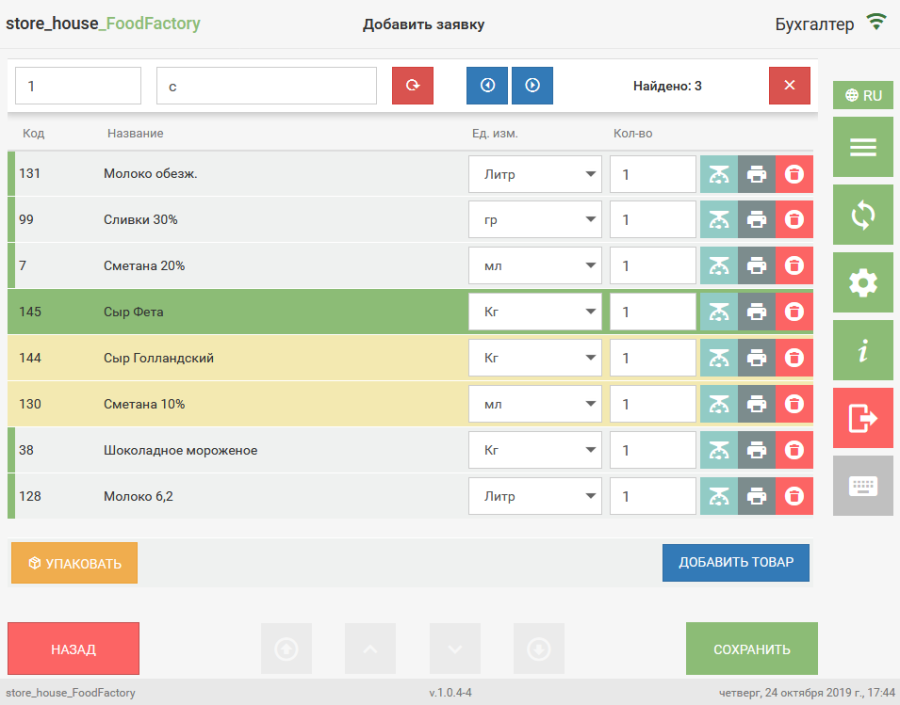 The navigation buttons for found goods work the same for any search. To clear the search fields, click the button
  . Для очистки полей поиска необходимо нажать кнопку . After clicking this button, both input fields will be cleared. To close the goods search line, click the button
  .
.