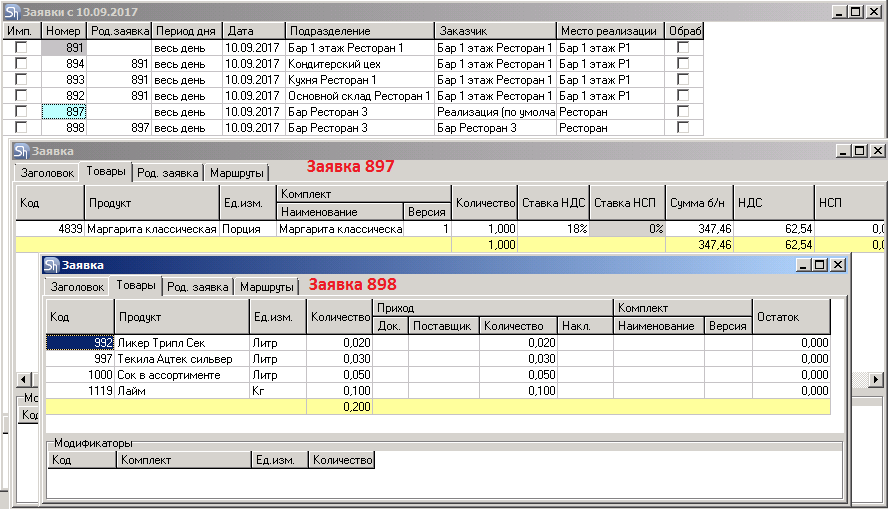
To create a "Child Request":
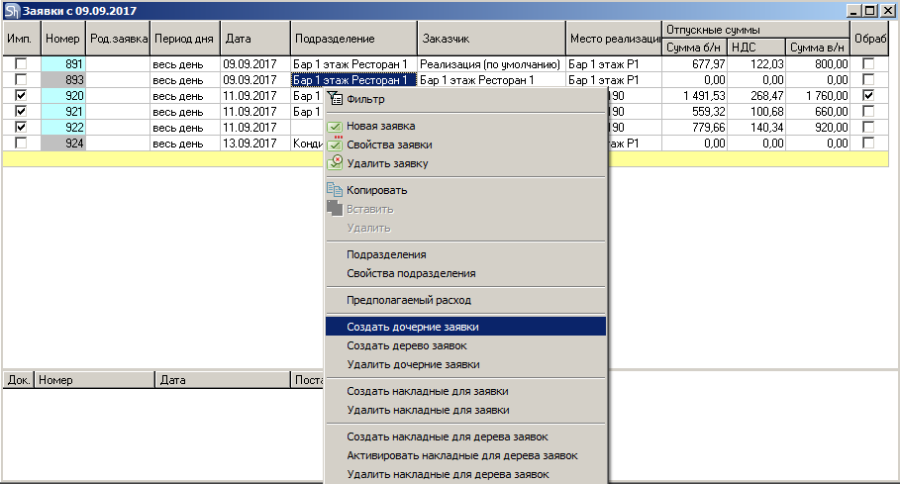
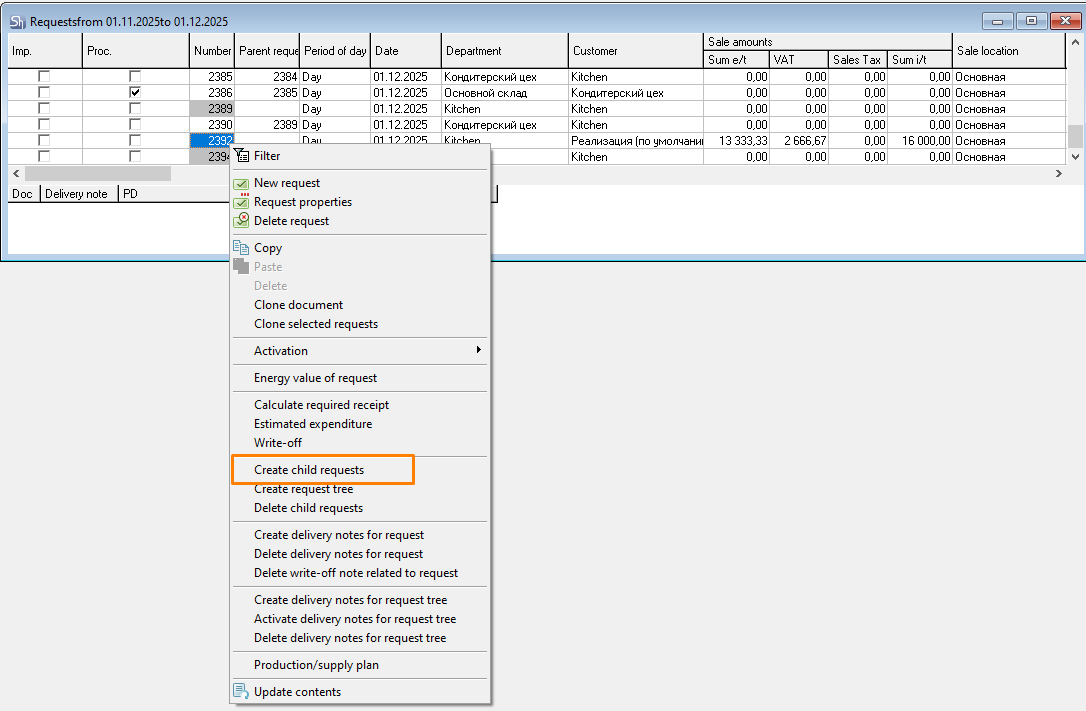
Open the request list via the main menu item "Documents" — "Requests";
Position the cursor on the request for which you need to create a child request;
Call the context menu and use the "Create Child Requests" item.
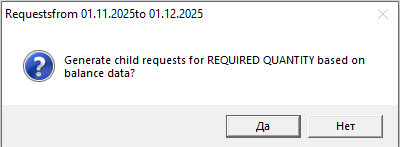
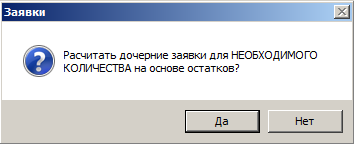
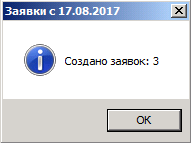
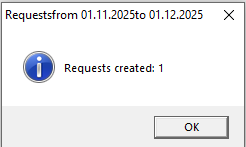
After setting the quantity conditions, a window will appear containing information about the number of child requests created.
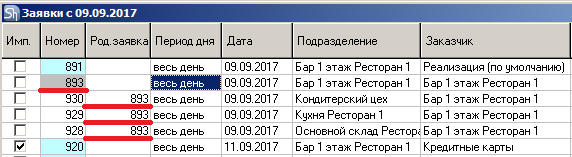
The created child requests have the Internal type and are located in the request list under the "parent request".
The "Title" of each child request will contain a reference to the "parent request". The reference is the number of the "parent request".
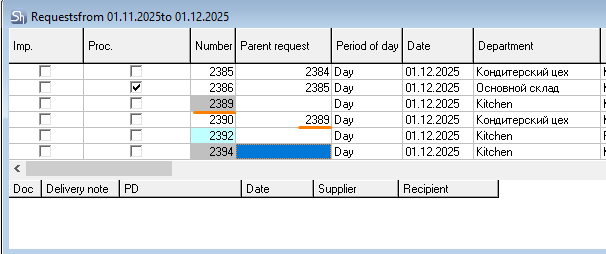
If at least one route is specified on the Routes tab of the goods card, the child request will be created according to the specified route.
If there are no specified routes in the goods card associated with the set, the Department and Customer fields of the child request will be populated with the department selected in the Department field of the "parent request". Thus, the child request essentially becomes an "order" for the ingredients of the goods from the parent request to the customer department.
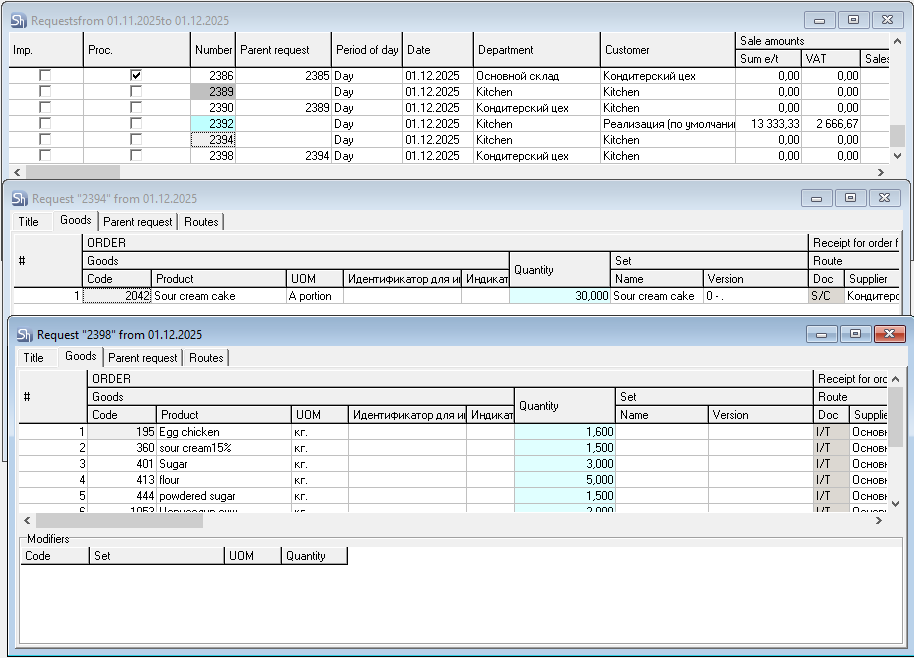
Child requests will not be created for goods without a link to sets and without specified routes on the goods card.