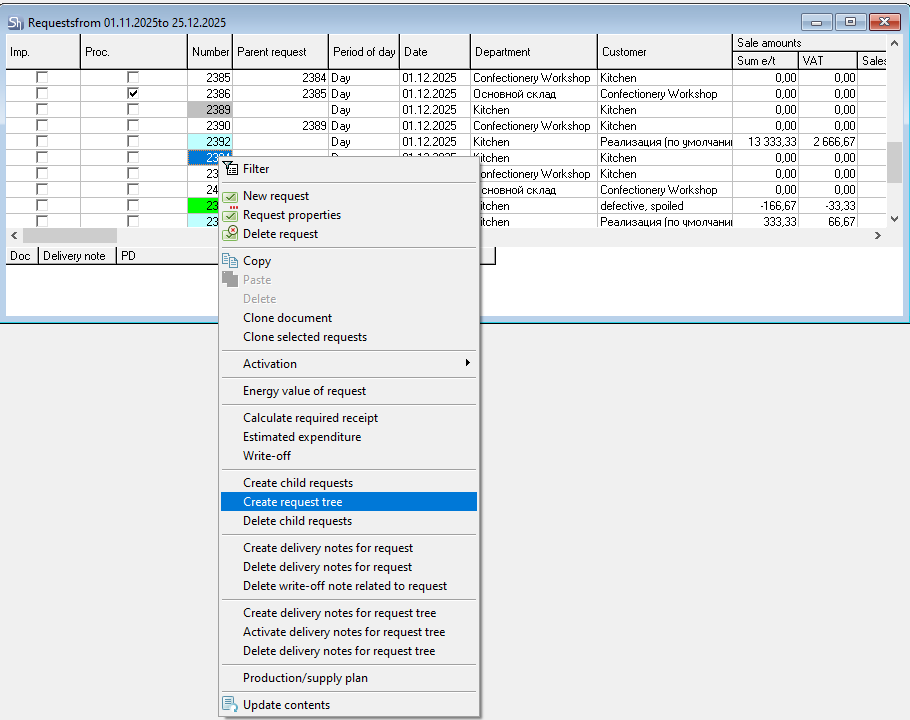
To automatically create a chain of child requests, select the request in the list for which child requests will be created, and use the context menu item "Create Request Tree".
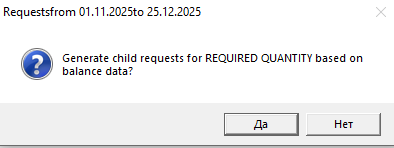
The system will prompt you to choose for which quantity of the parent request (the request's own quantity or the required receipt quantity) to create the child requests. Click [Yes] to create child requests for the required receipt quantity. Click [No] to create child requests for the quantity from the parent request.
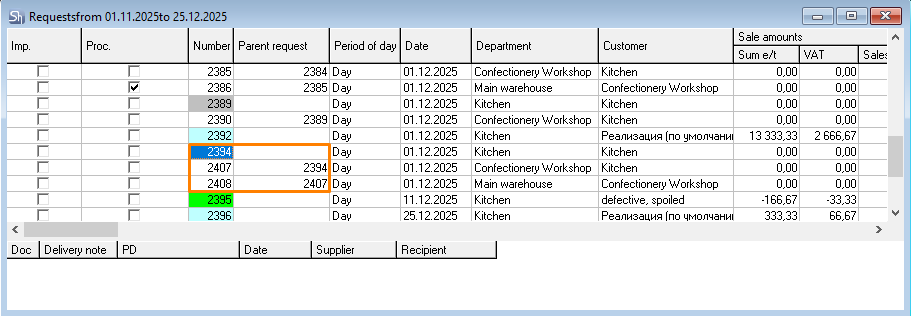
As a result, all child requests necessary for the subsequent creation of delivery notes specified in the routes of the "parent" request's goods will be created,
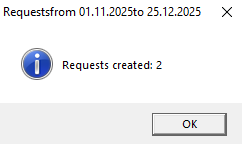
and a window with information about the number of created child requests will appear on the screen.
If the child request tree was created considering the required quantity for receipt, then the stock in the supplier departments will be accounted for at the moment of creating the child requests. And only child requests for the additional production of the required quantity will be created.
If the child request tree was created for the request quantity, then all requests from the source request's route will be created, regardless of the goods stock in the supplier department. This method of forming the request tree is related to the fact that the creation of child requests and their processing can be separated in time. That is, at the moment of creating the child request, there might be enough goods in stock, but at the time of processing, there might not be.
However, if during request processing there are enough goods in the supplier department, then when processing the request tree, delivery notes will not be created.