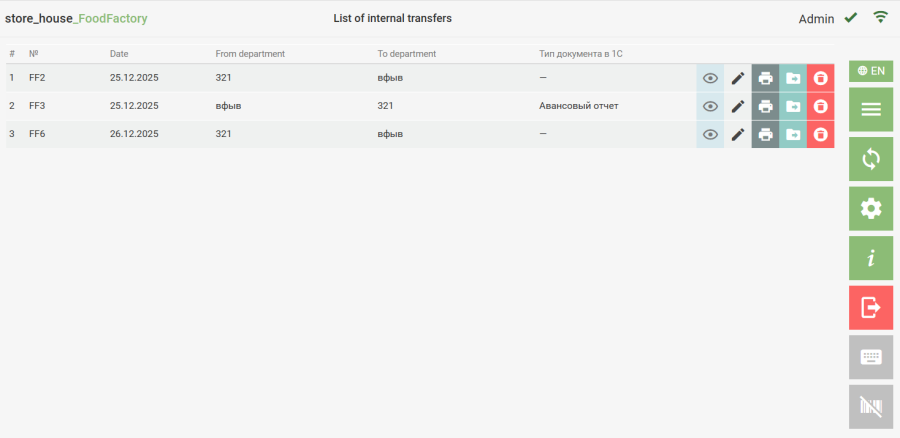
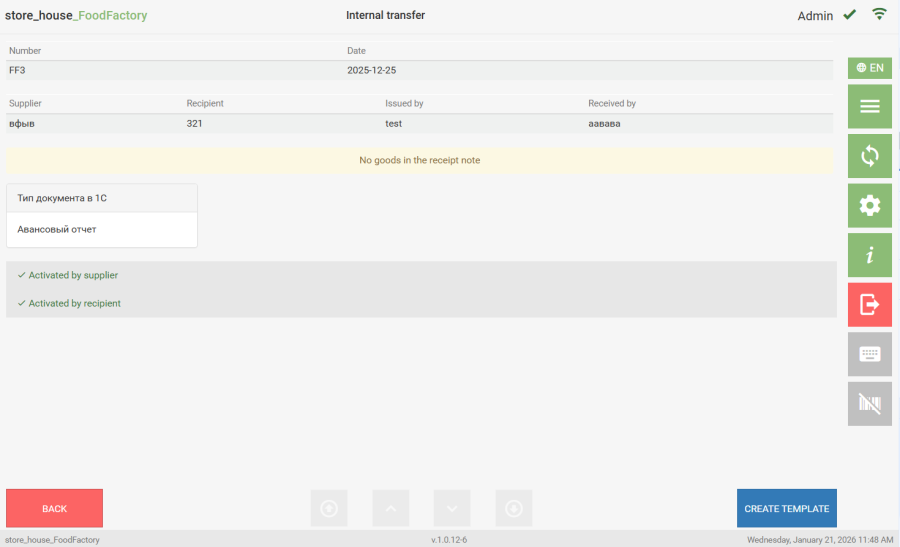
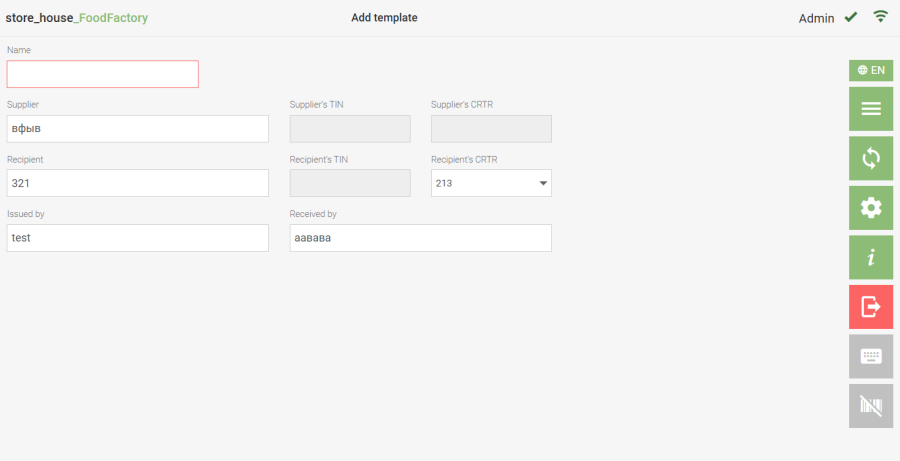
From any document, you can create a template for further use when creating documents. You can create a template from a document in two ways: ● click the button for the document of interest in the delivery notes list. ● click the button in the document view mode; After this, the template creation window will open, into which all information from the source document will be transferred. Further actions with a template created based on a document are performed in the same way as with a regular template.