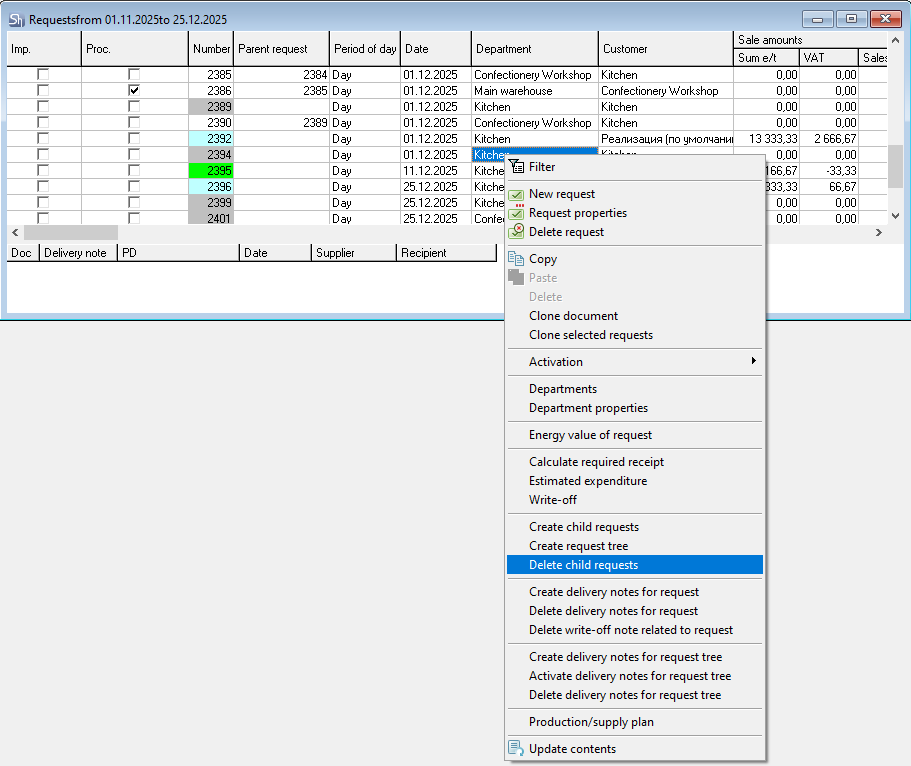
You cancreate create delivery notes (process requests)based on the created request tree separately for each request. You can also automatically create all necessary delivery notes for the request tree. To do this, select the request (external or internal) and use the context menu item"Create Delivery Notes for Request Tree".
When creating delivery notes for the request tree,"Interchangeable Goods"are not used.
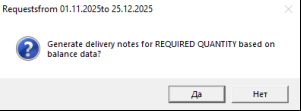
The system will prompt you to choose for which quantity for each request (the request's own quantity or therequired receipt) to create delivery notes for receipt. Click[Yes]to create delivery notes for the required receipt quantity. Click[No]to create delivery notes for receipt based on the quantity from the request.
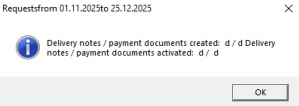
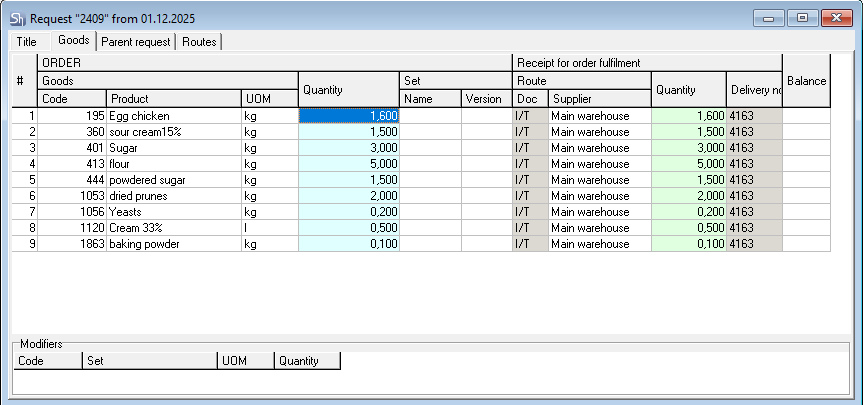
Delivery notes for all child requests will be created automatically at once. Upon completion of request processing, a message will be displayed indicating the number of created and activated delivery notes.
When creating delivery notes for the request tree, the system considers the necessary sequence for creating delivery notes (unlike creating delivery notes separately for each request).
If there are sufficient goods in stock for a child request, delivery notes for such a request will not be created.