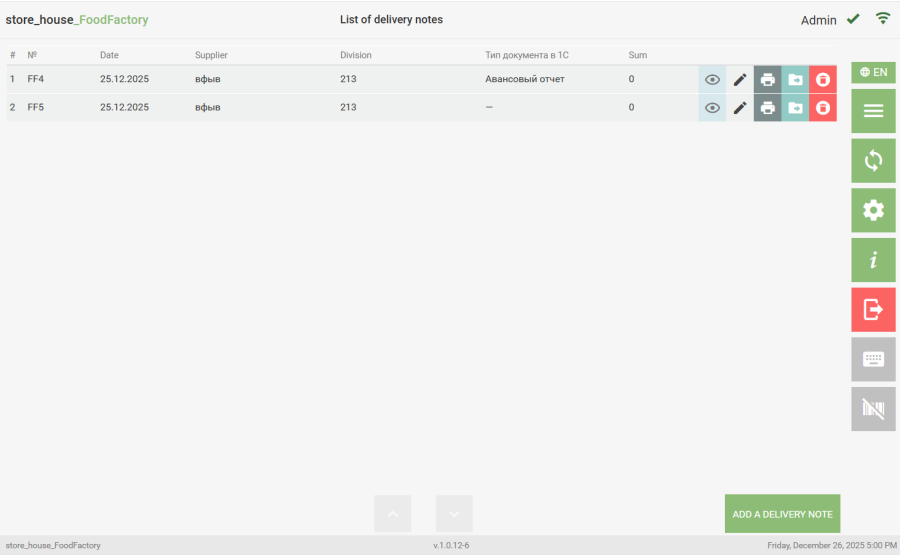
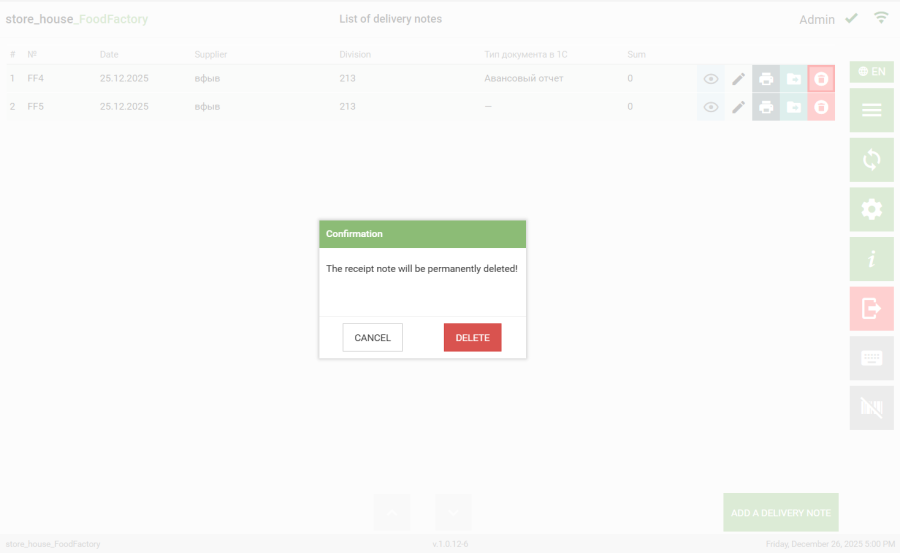
To delete a selected goods item, click the button in the row with the goods item. If the "Confirm Goods Item Deletion" flag is set in the document settings, then when deleting a goods item, a message will appear on the screen. Then you need to select the answer "Delete" to delete the goods item or "Cancel" to cancel the operation.