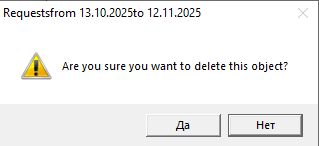
To delete a request, select it and use the Delete Request item in the context menu or the main menu item "Document" -> "Delete Request". The system will then request confirmation for the operation.
The system will request confirmation for deletion. Click [Yes] if you really want to delete the selected request. Click [No] if you selected the "Delete Request" menu item by mistake.
If the request was "Processed", i.e., if delivery notes were created based on this request, then when the request is deleted, the delivery notes associated with the request will also be deleted.
If child requests were created based on the request (external or internal), the system will not allow the request to be deleted. You must first delete the child requests.