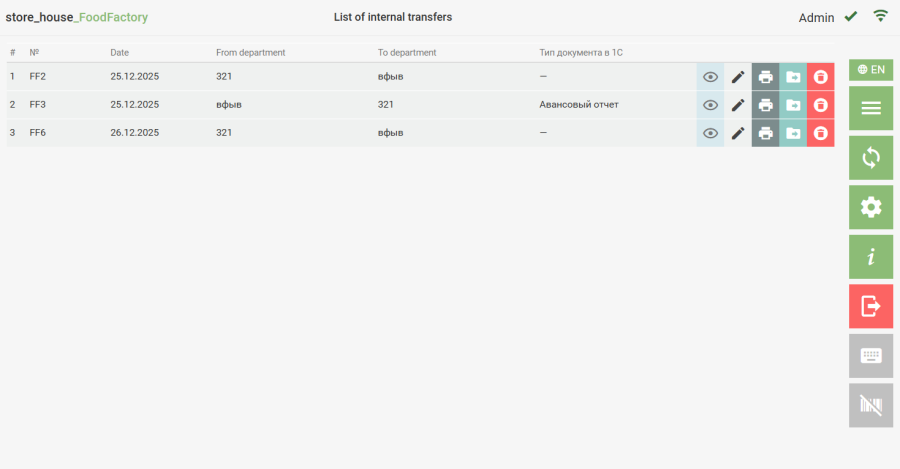
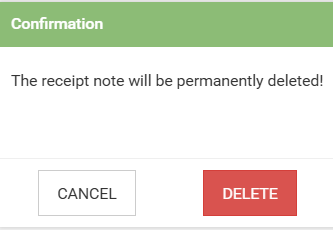
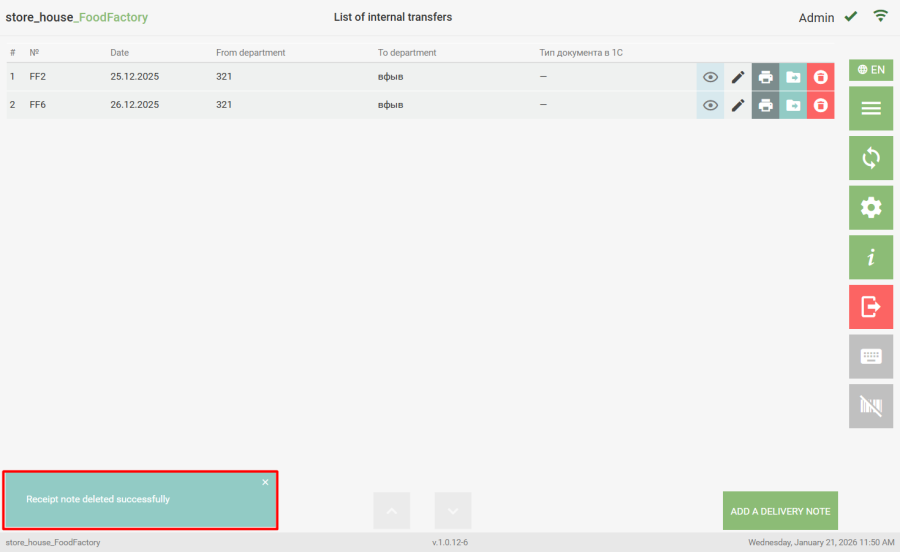
To delete a saved document, in the corresponding document list, click the button next to the desired document. After this, a message will appear on the screen. Then you need to select the answer "Delete" to delete the document or "Cancel" to cancel the operation. After deleting the document, a message will be displayed in the lower left corner of the screen. Documents that have not yet been uploaded to r_k StoreHouse Pro are available for deletion (displayed in this list).