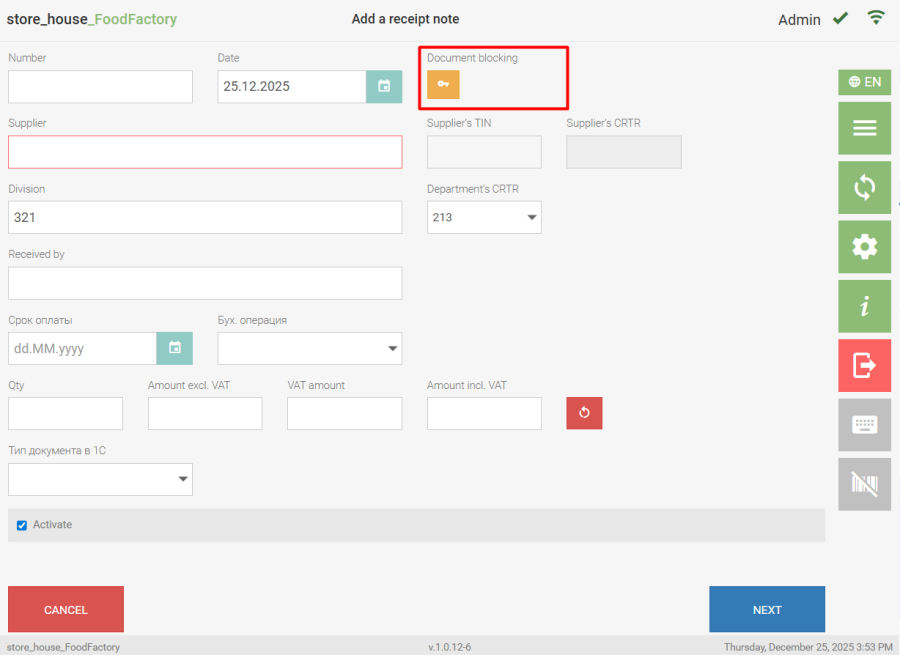
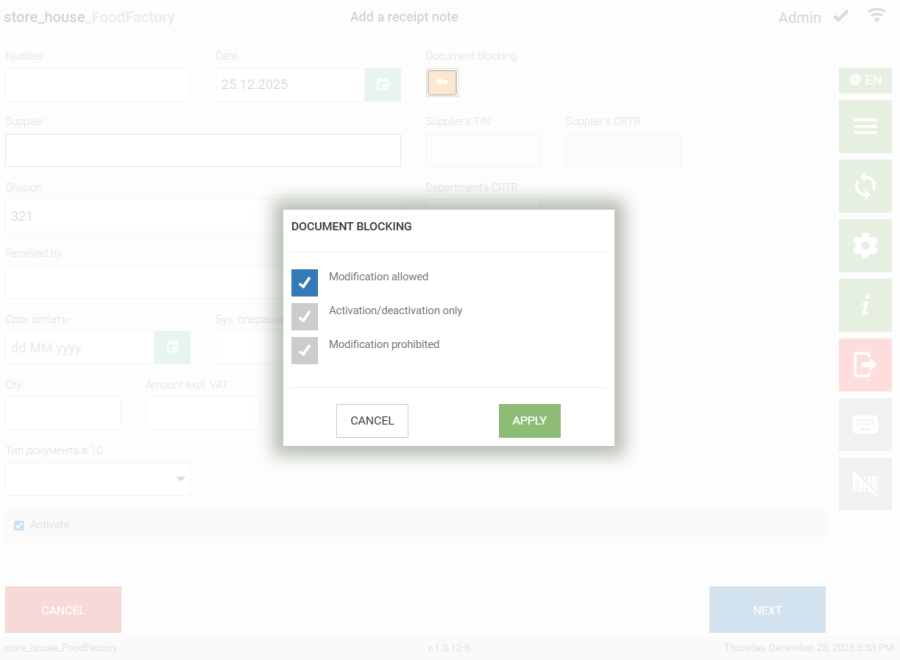
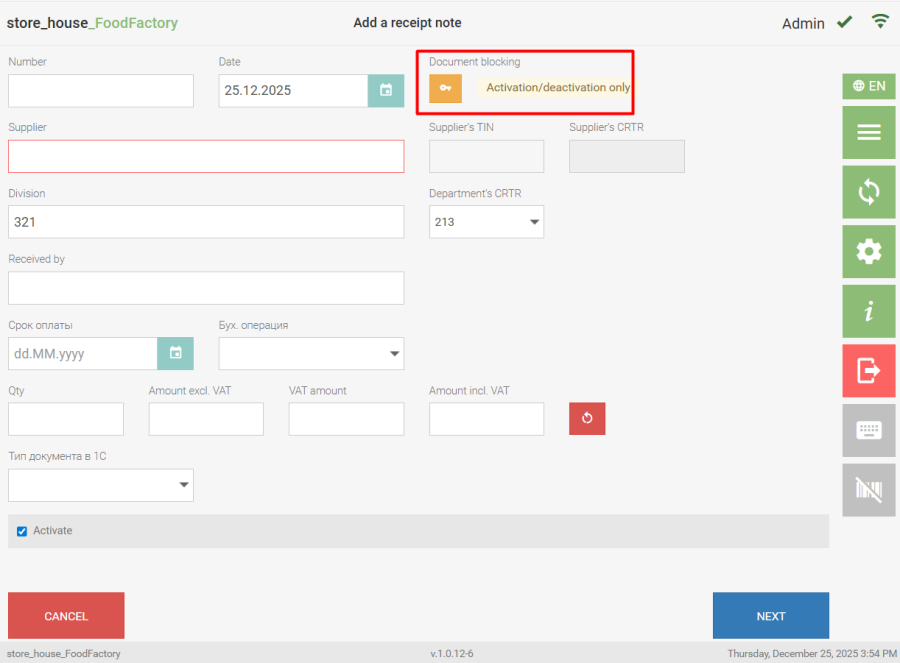
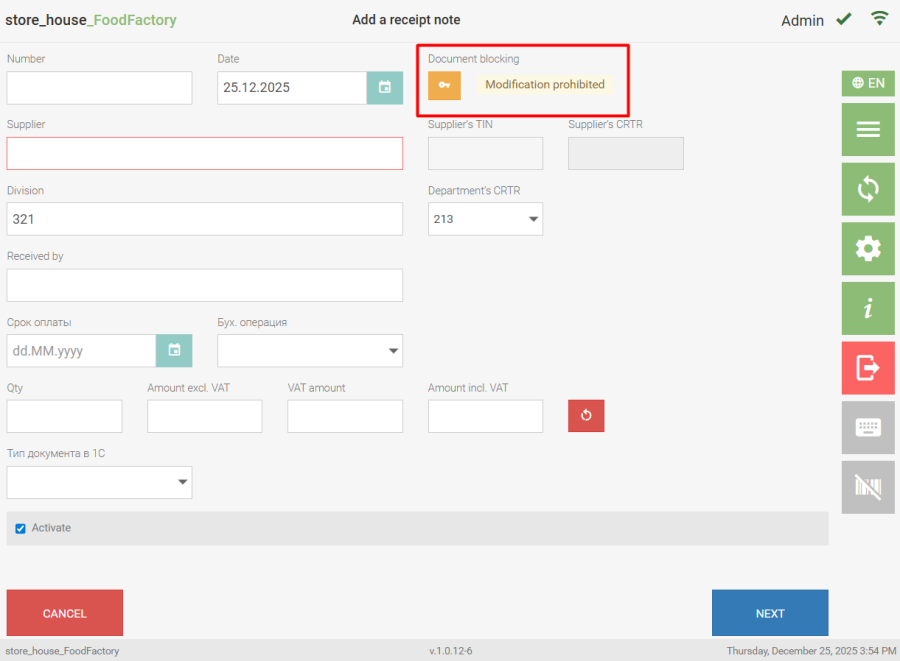
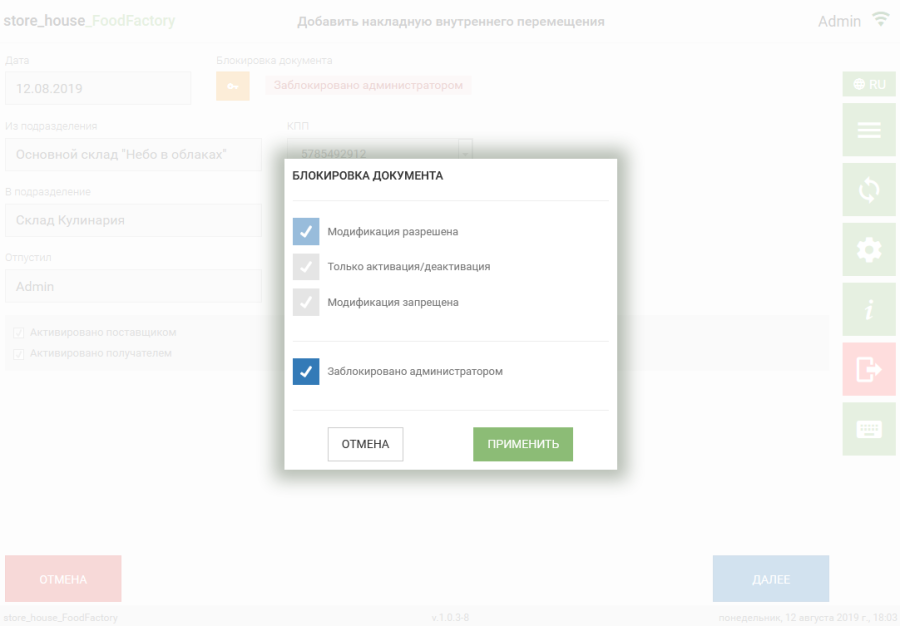
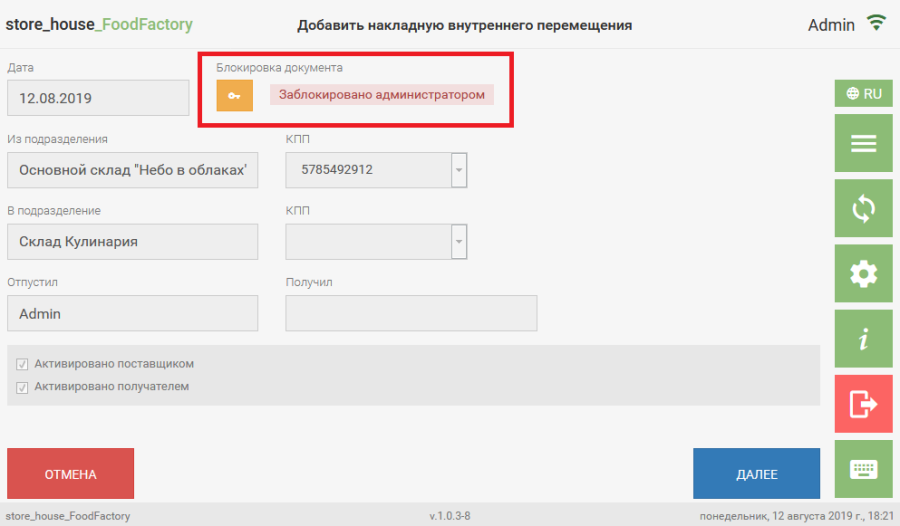
Document blocking allows the creator of a delivery note to prohibit other users from editing the created delivery note. When clicking the button on the delivery note header page the document blocking window will open. In the opened window, you can select one of the delivery note modification options: ● modification allowed — this flag is set by default when creating a delivery note. Allows any user with rights to work with the corresponding types of delivery notes to edit the delivery note; ● activation/deactivation only — when this flag is set, other users can only change the delivery note's activity flag. Other users cannot change the contents of the delivery note; ● modification prohibited — when this flag is set, editing the delivery note by other users is prohibited. Delivery note with "Activation/deactivation only" lock: Delivery note with "Modification prohibited" lock: If the user has the permission "Allow Data Blocking", an additional flag "Blocked by Administrator" appears in the delivery note modification selection window. Selecting this flag allows setting an administrative lock on the delivery note. Such a lock prohibits any user, including the document creator, from editing the document. After data is transferred to r_k StoreHouse Pro, information about locks can be viewed in the menu item "Blocks and History..." (see r_k StoreHouse Pro User Guide).