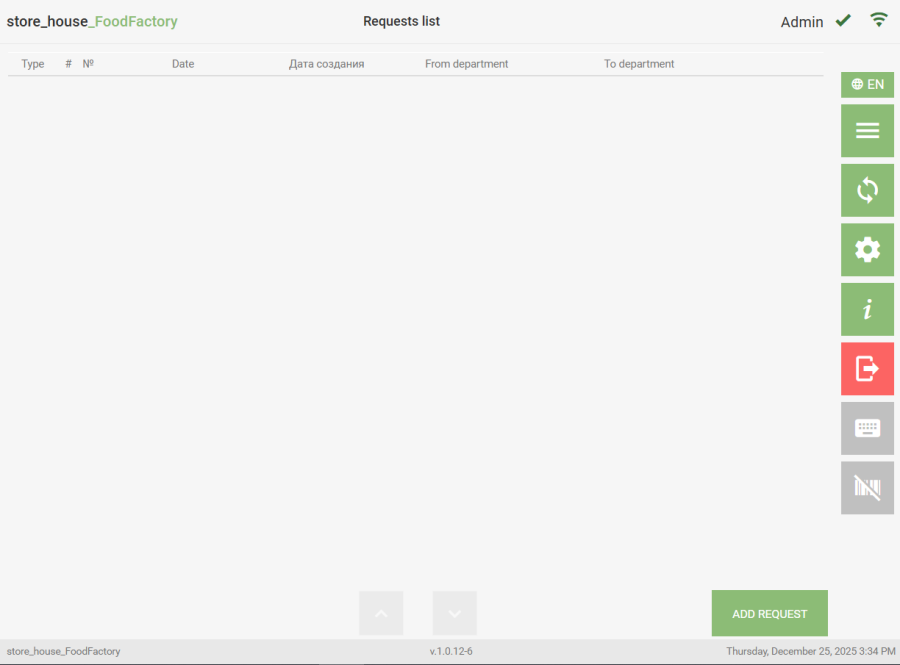
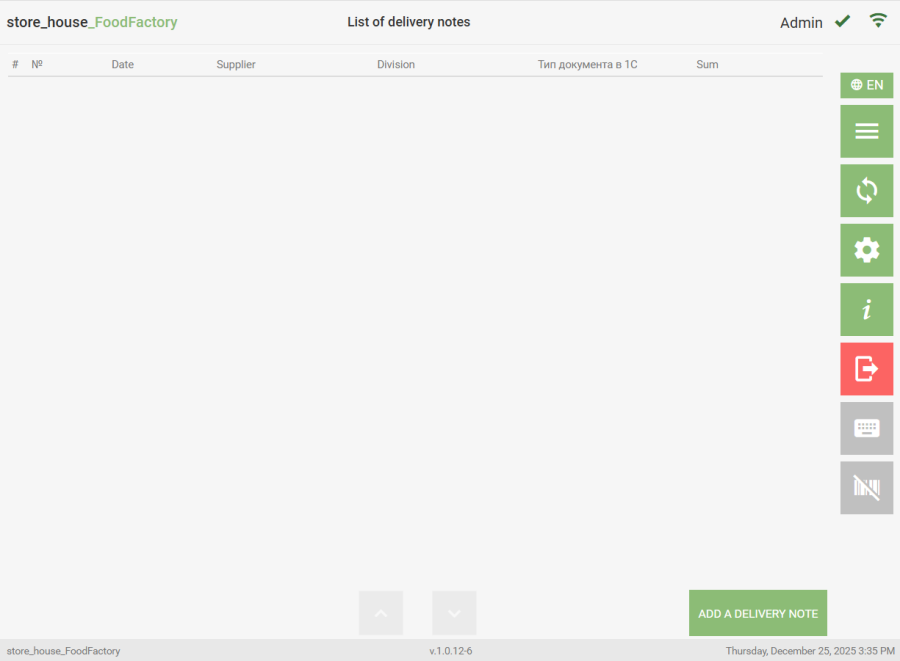
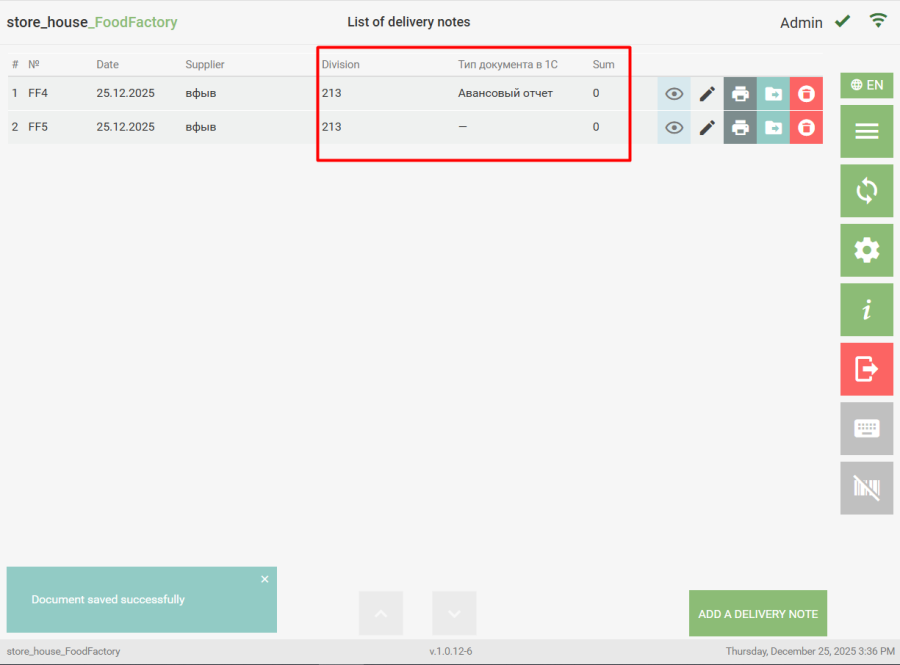
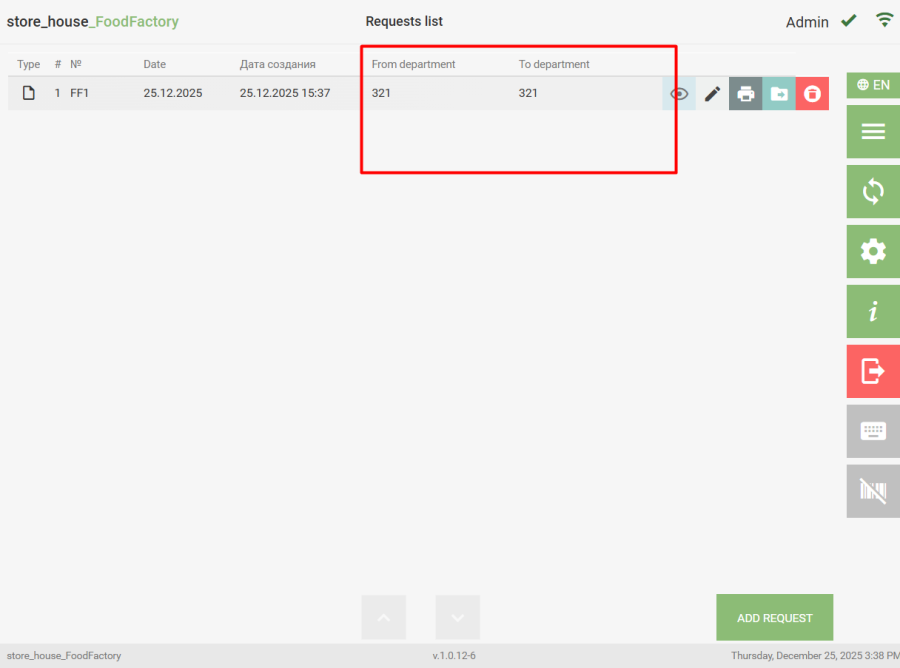
To navigate to the list of documents of a specific type, select the required operation from the Operations list in the Main Menu. The system will then switch to the Document List mode of the selected type. An empty list looks like this: To create a new document, click the "Add a Delivery Note" or "Add Request" button (Receipt note, Expenditure Delivery Note, Internal Transfer, Collation Statement, Set Creation, Processing note). All saved documents of the selected type that have not been uploaded to r_k StoreHouse Pro will be displayed in this list. Example of an expenditure delivery notes list: If document settings have selected attributes for lists, columns for these attributes will be displayed in the document list regardless of whether these fields are filled in the delivery note or request. - draft of a new delivery note or request. - draft of a created delivery note or request. Working with drafts is described in the section "Working with Drafts".