Filling in Basic Fields on the Document Title Page
When creating any document, on the document Title page, you must enter the document date, define the department(s) where stock balances will change as a result of document creation, and set the document activity.
- Starting from FoodFactory version 1.0.11-15, ONLY for Receipt notes, the "Number" field can be filled in manually when creating the document. The field is text-based and not mandatory.
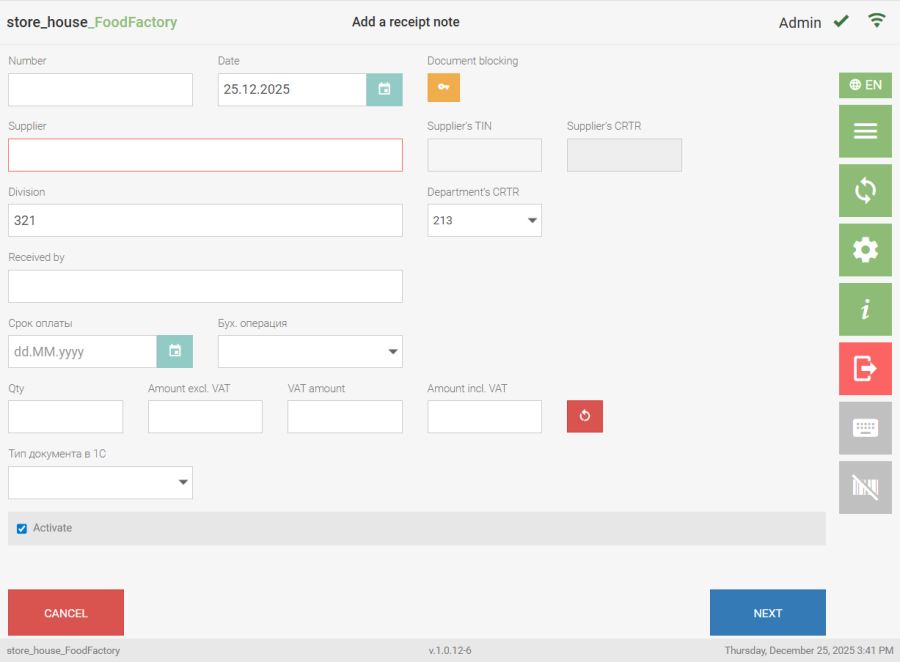
If the Receipt note number is filled in, the manually entered number will be assigned during saving, and the "Document Numbering Prefix" will not be used. If the number remains unfilled when creating the Receipt note, upon saving the document, a number will be assigned to the Receipt note according to the document numbering rules.
For other documents, the document number is assigned automatically when saving the document. If a value was entered in the "Document Numbering Prefix" field in the document settings, it will be saved before the document number.
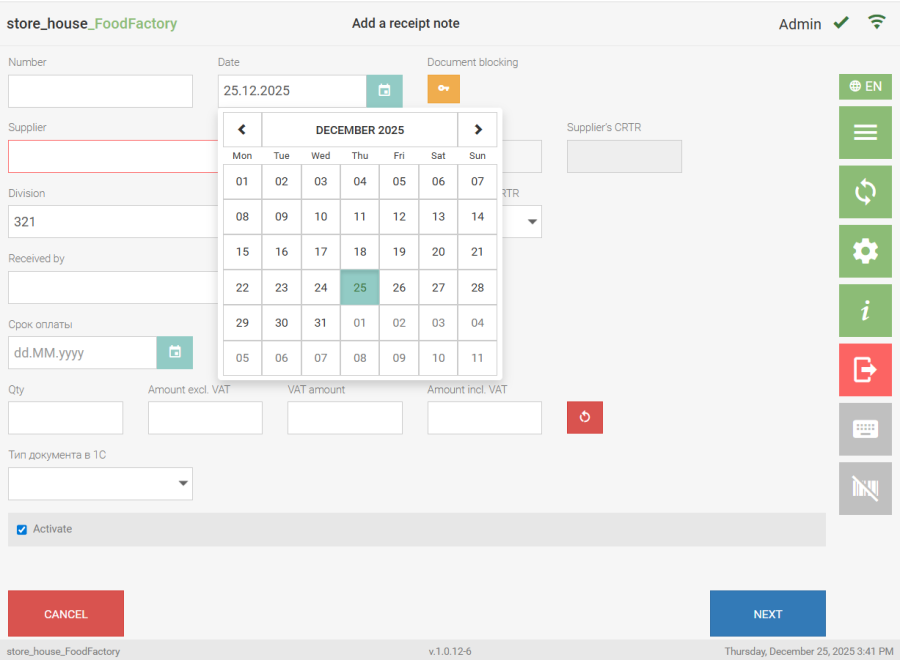
2. The "Date" field is automatically filled with the current date. To set a different date, click the icon  to the right of the date. In the opened calendar, select the required date by clicking.
  3. To select a department, click the "Division" field.
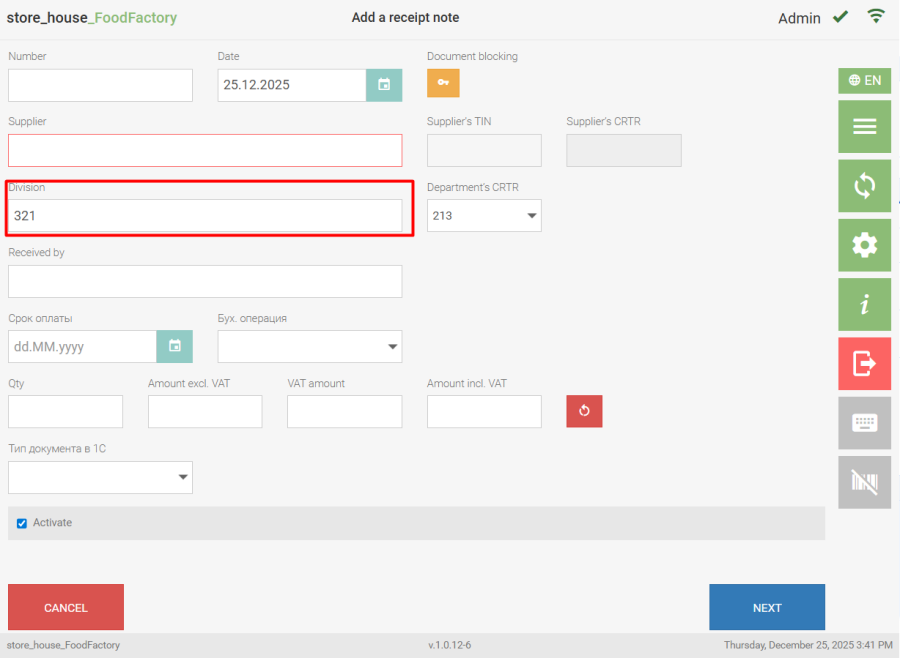 The list of departments may be limited by user permissions. The opened department selection window displays a list of available departments from the r_k StoreHouse Pro departments dictionary.
  To select a department, click the button with the required department. To search for a department, enter part of the department name in the search field (at least three letters), after which only the found matches will be displayed in the list. If the search finds only one department, it will be automatically inserted into the "Department" field on the document title page. The "Division" field can be filled automatically.
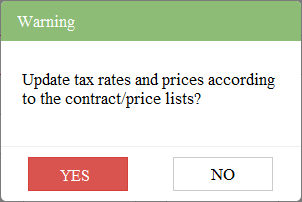
If you select a department in a receipt or expenditure delivery note, external request, or internal sale after adding goods to the delivery note, a message will appear. If you click the "Yes" button, the price and tax rate values in the delivery note on the Goods tab will be set according to the price list values for the specified date. If you click the "No" button, the price and tax rate values in the delivery note will not change. |
 The "Department's CRTR" field will be automatically filled with the "default" value if this field is filled for the department in r_k StoreHouse Pro. If necessary, the TRC ("KPP") can be selected from a list if multiple TRCs ("KPPs") have been created for the department in r_k StoreHouse Pro.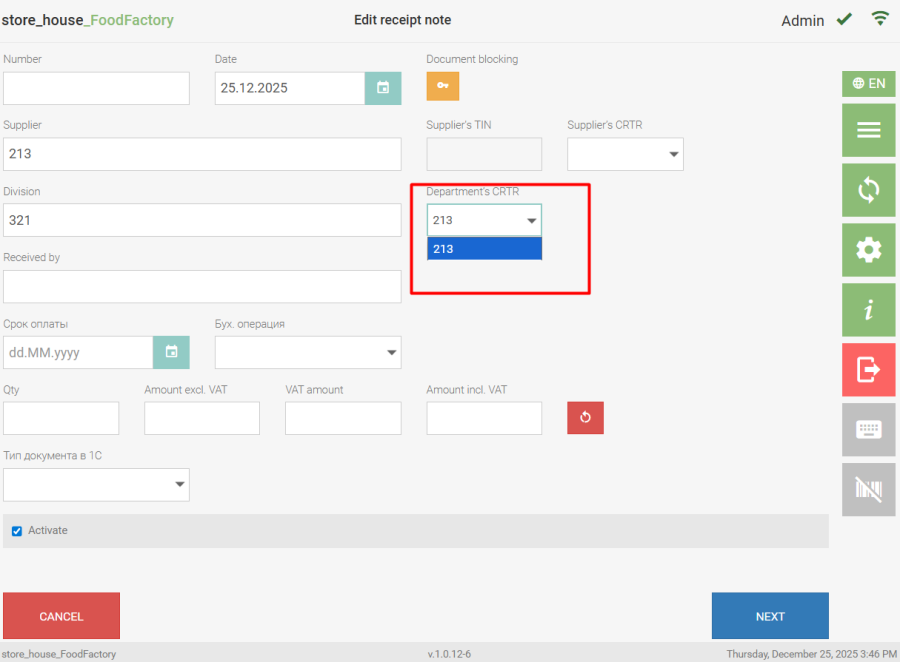
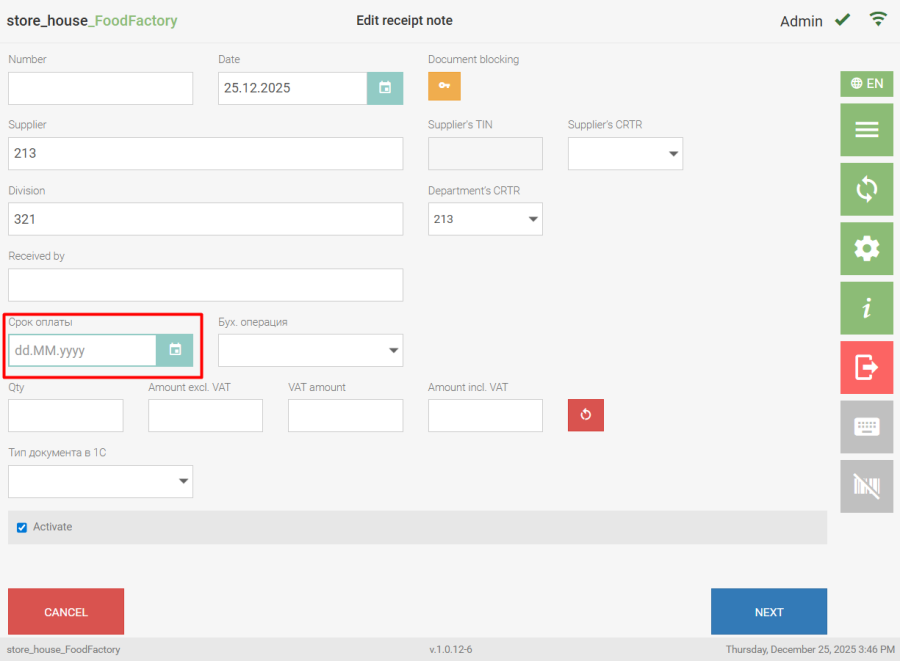
4. The "Payment Due Date" field is filled automatically based on data entered in the correspondent card or legal entity properties. If the field is not filled or the payment due date needs to be corrected, this can be done manually.
5. The fields "B/L Number, 1C Document Type, Comment" are delivery note title attributes. The fields are not mandatory. These fields can be text-based (filled manually) or enumerable (value selected from a drop-down list).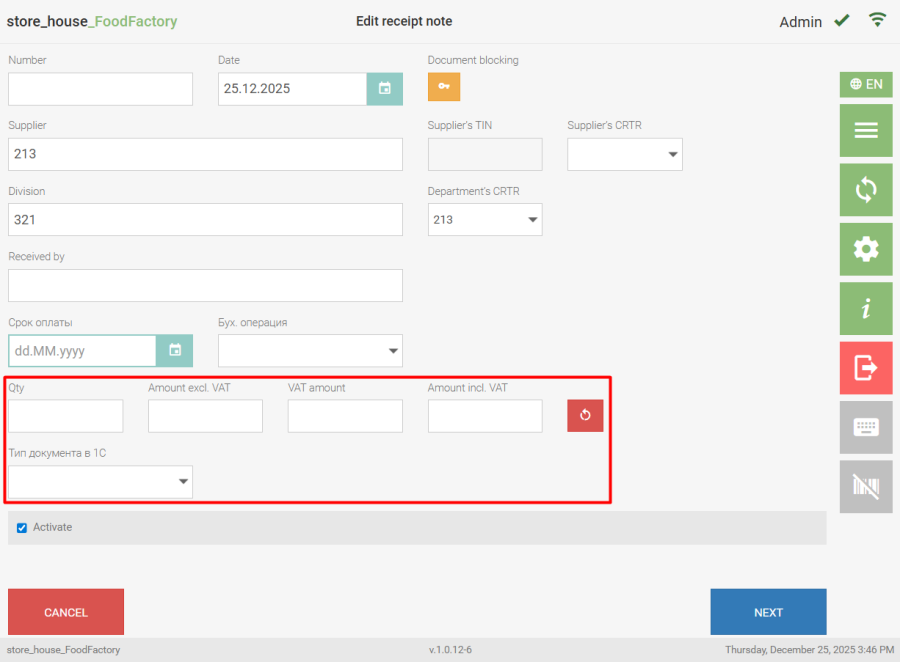
The fields "B/L Number, 1C Document Type, Comment" will only be displayed in the document if delivery note title attributes were selected in the document settings. |
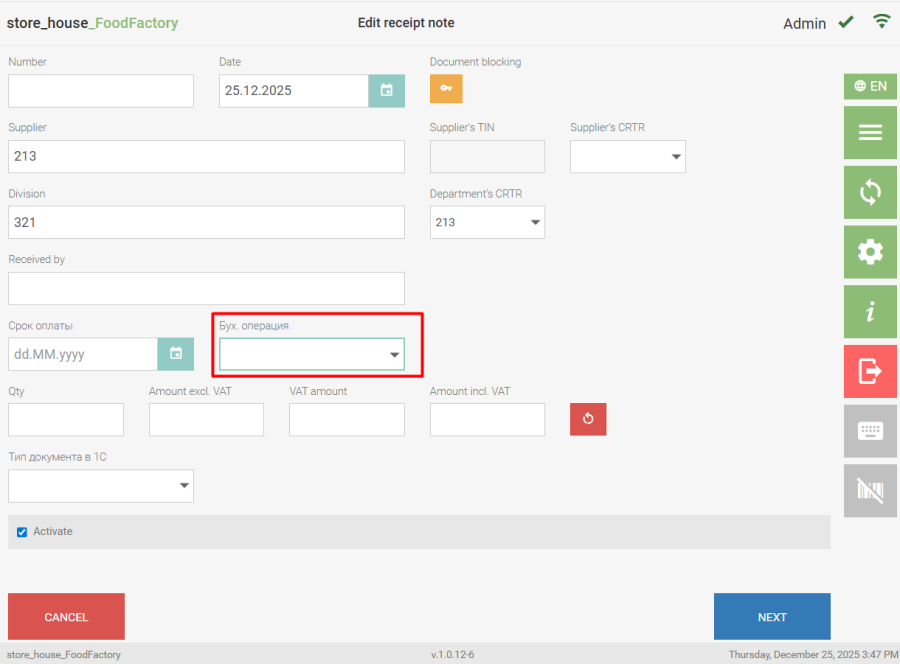
6. The "Acct. Operation" field is determined automatically, based on pre-assigned default accounting operations for documents. If it is necessary to assign another operation, this can be done manually.