To save a document, click the button  .
. 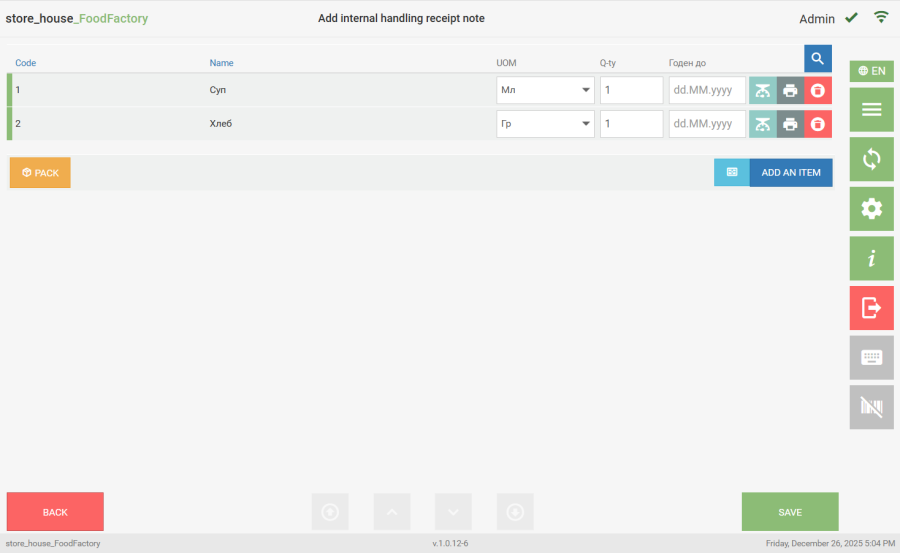 If not all mandatory fields were filled in on the document's Title tab, the system will display a message when trying to save the document.
 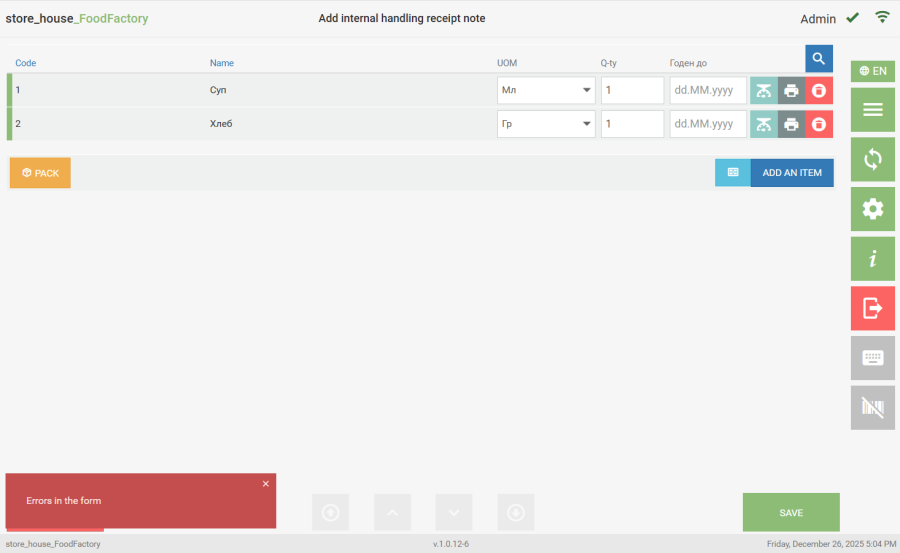 Mandatory fields are highlighted with a red frame. After filling them in, the document can be saved. During document saving, a number will be assigned to it: delivery notes and requests are numbered separately. If a prefix was entered in the "Document Numbering Prefix" field in the document settings, it will be indicated before the document number.
Starting from FoodFactory version 1.0.11-15, ONLY for receipt notes, the "Number" field can be filled in manually when creating the document. The field is text-based and not mandatory. If the receipt note number is filled in, the manually entered number will be assigned during saving. If the number remains unfilled when creating the receipt note, upon saving the document, a number will be assigned to the receipt note according to the document numbering rules.
The document number can be seen in the saved document view mode and during editing of a saved document in the "Number" field, which is unavailable for editing (in a receipt note, the number can be edited).
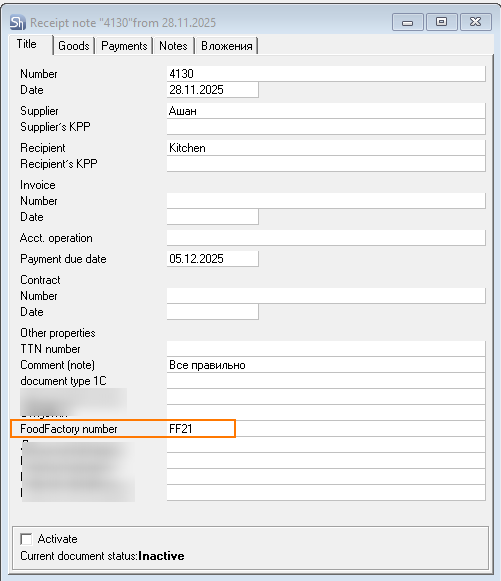
After documents are transferred to r_k StoreHouse Pro, the number assigned in FoodFactory will be displayed on the "Title" tab in the corresponding field of the delivery note title's additional attribute.
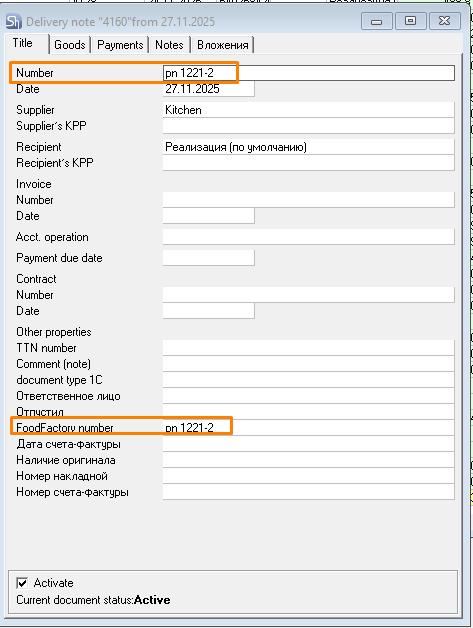
If the number was filled in manually when creating a receipt note or if the number was changed when editing a receipt note, then after the documents are transferred to r_k StoreHouse Pro, the number assigned in FoodFactory will be displayed on the "Title" tab in the "Number" field and in the corresponding field of the delivery note title's additional attribute.
When exiting an unsaved document in the following ways:
- to the Main Menu with the button
 ;
; - return to the delivery notes list with the button
 ;
; - transition to the settings window with the button
 ;
; - exit from the application with the button
 ;
;
a confirmation window will open for exiting the document without saving or returning to document editing. 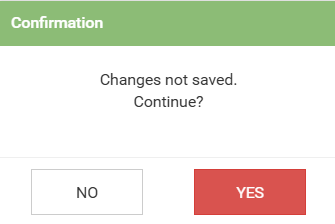 You must click "Yes" to exit to the selected mode without saving changes or "No" to return to document editing.