Synchronization with r_k StoreHouse Pro (FoodFactory)
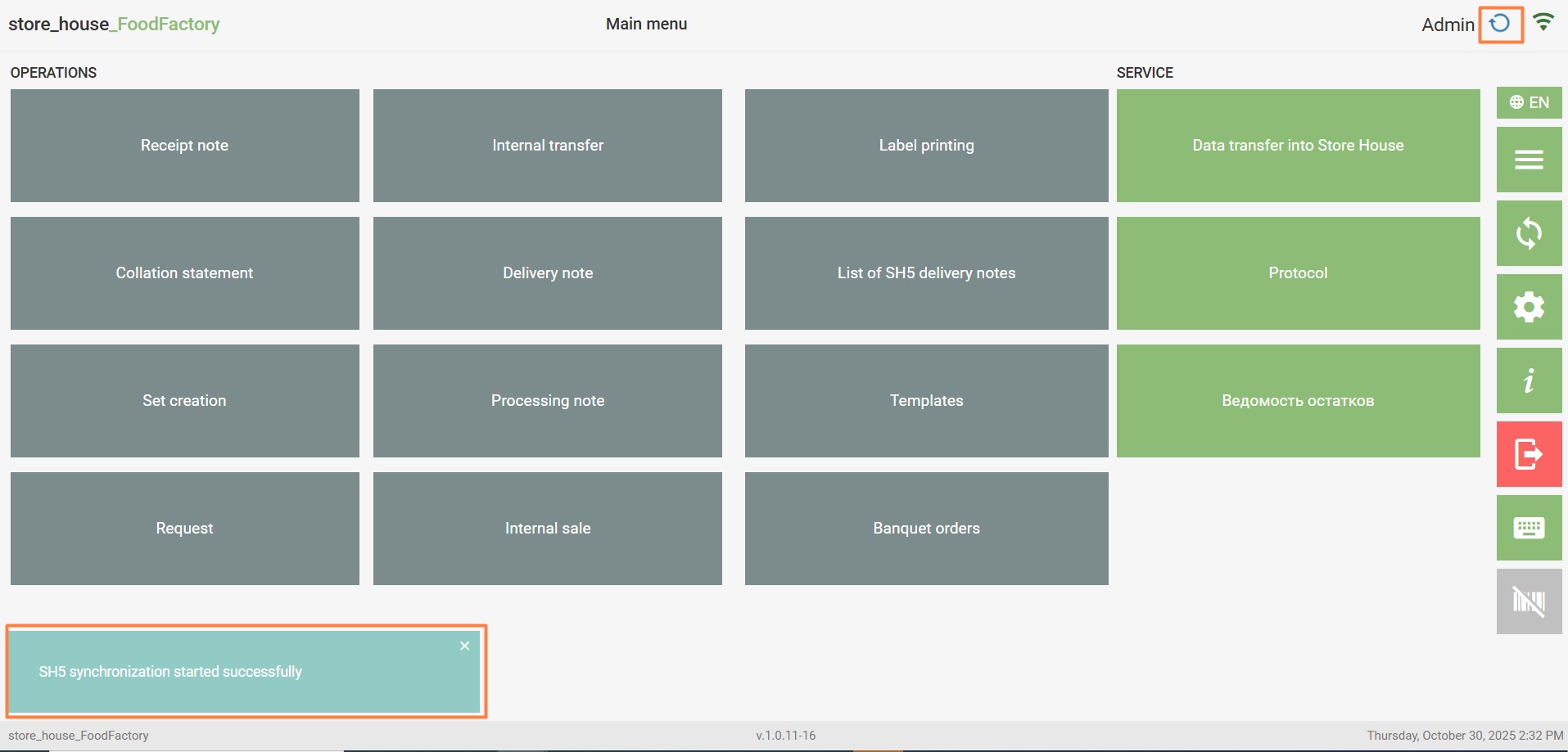
To start synchronization with r_k StoreHouse Pro without waiting for the configured synchronization frequency time, press the button in the main menu. After this, a message about the start of synchronization will appear in the lower left corner of the window, and the synchronization process with SH5 will be indicated by the icon to the right of the user's login.
Upon successful synchronization, the icon will turn into a green checkmark . If any errors occur during synchronization, a red triangle will be displayed. The synchronization status can be viewed in more detail in the main settings.