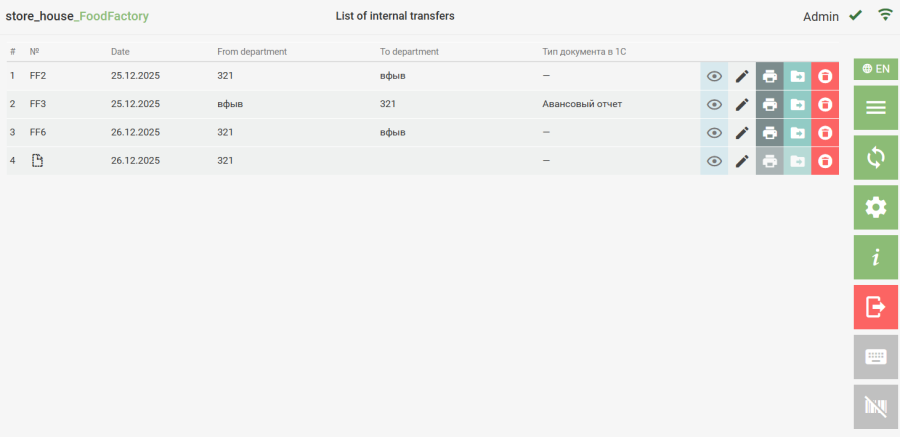
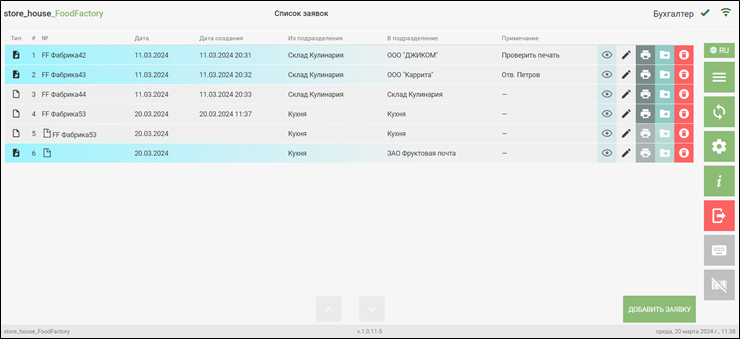
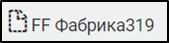
If a browser failure occurs during the creation of a new delivery note or request, the document will be saved as a draft and marked with the icon To edit a draft delivery note or request, in the corresponding document list, click the button for the desired document. Finish working with the document in the standard way and save it. After saving, a number will be assigned to the document. If a browser failure occurs during the editing of a saved delivery note or request, the document will be saved as a draft and marked with the numbered icon . The draft will be assigned the number of the document the user was working with before the browser failure. To continue working with this document, open the draft of this document by clicking the button . Upon finishing work with this document and saving it, the changes from the draft will be transferred to the initial document.