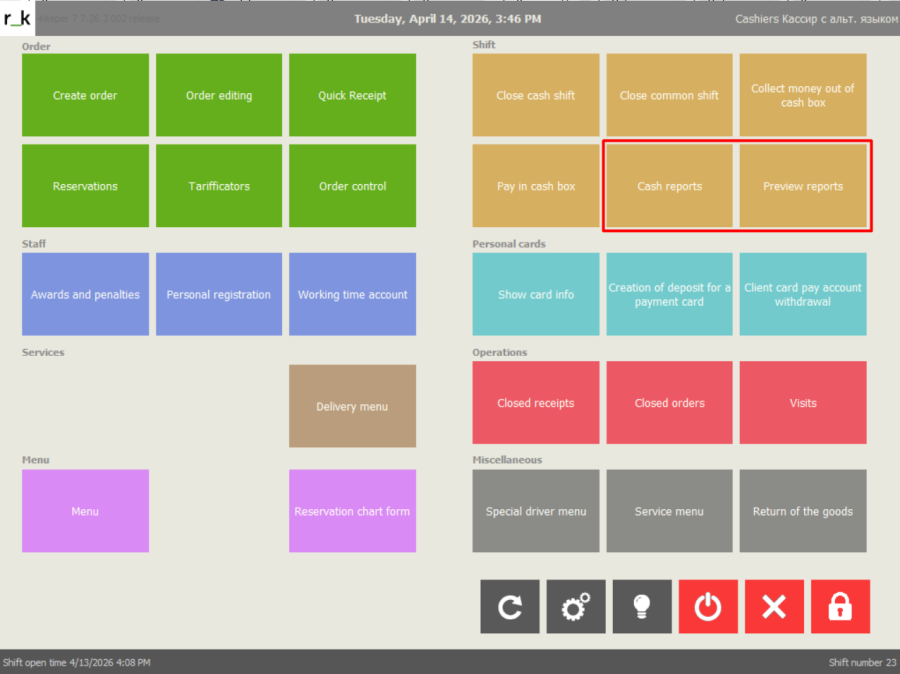
Cash reports display information in real time and are built based on the data of the current open shift. They are presented in two variants: cash reports – a list of reports for printing, and preview reports – viewing data on the terminal screen. The general list of reports is divided into groups. The "Fiscal Registrar Functions" group is only present in the Cash Reports section because these reports are not available for viewing.
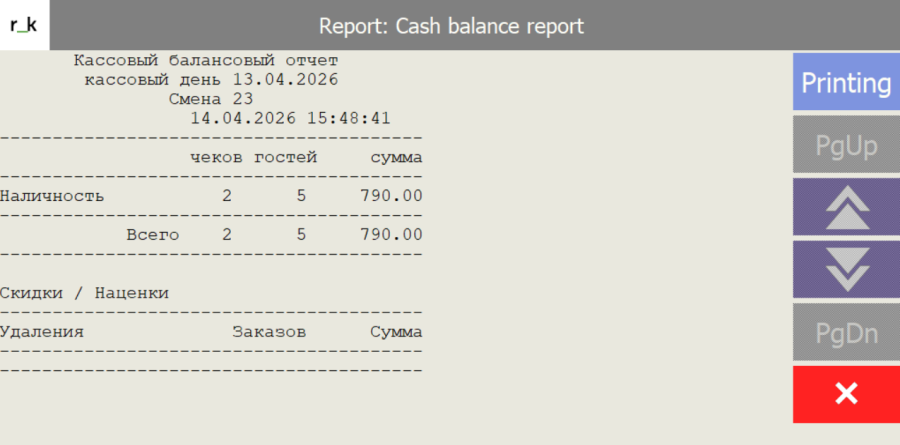
Function keys in reports: - return to the previous level - print report from the preview window - navigate to the previous/next page - move to the previous/next line - exit the report preview window Visualization of function keys in cash reports. The report header includes the report name, information about the business date, date and shift number, and the report printing/viewing time.