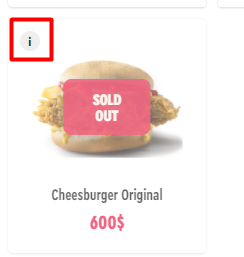
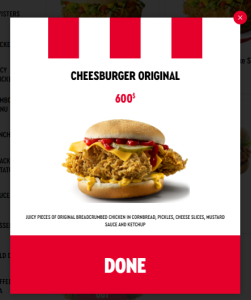
The kiosk has the capability for selective display of items/combo items from the stop-list. Required settings:
- In the r_keeper manager station, in the section Options > Customization > Extended Properties, create a new extended property.
- Set the name and network name to ShowIfInStopList, property type to Boolean Value, list of types: Menu Item and Combo Menu Item, and activate them.
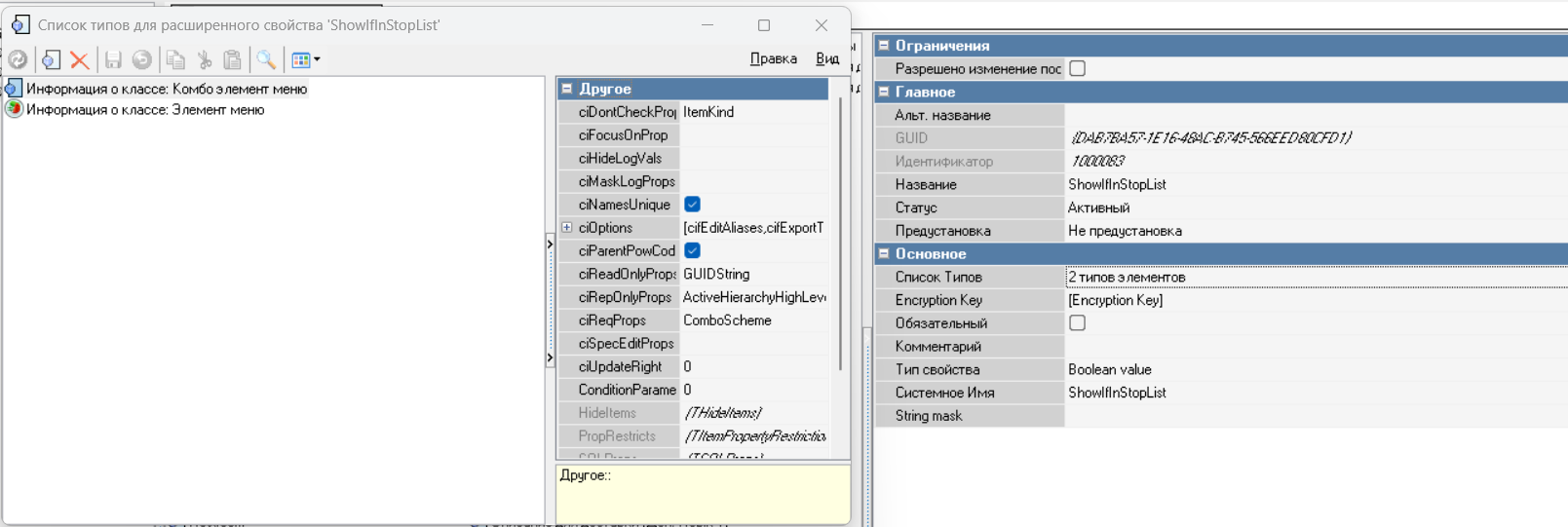
- A new extended property will appear in the properties of items/combo items:

- On the kiosk, in the "THEME SETTINGS" section, the following setting has been added:
Show dishes form the stop list on the menu
- When this setting is enabled, an additional setting appears: Show dishes from the stop list only if the extended property ShowIfInStopList is set

How These Settings Work on the Kiosk:
When the Show dishes from the stop list on the menu setting is enabled, all items available on the kiosk but added to the stop-list will be displayed in the kiosk menu:
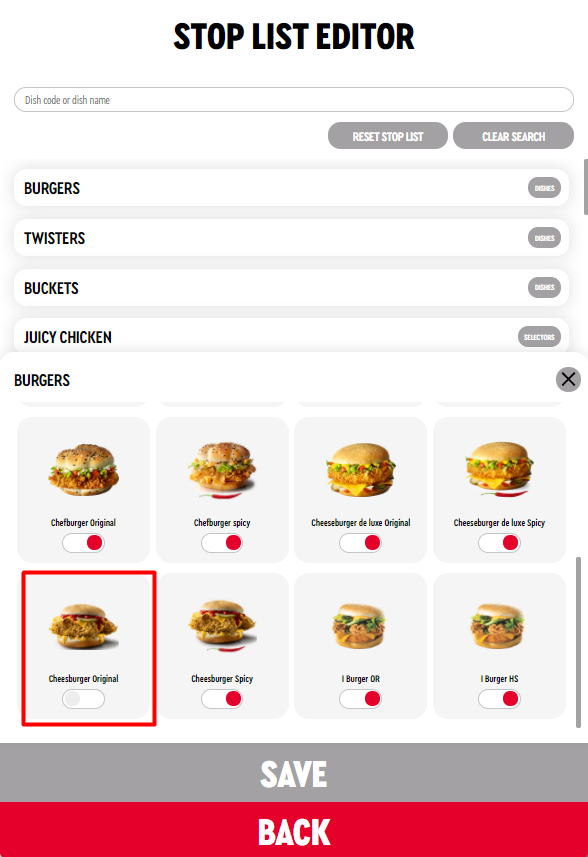
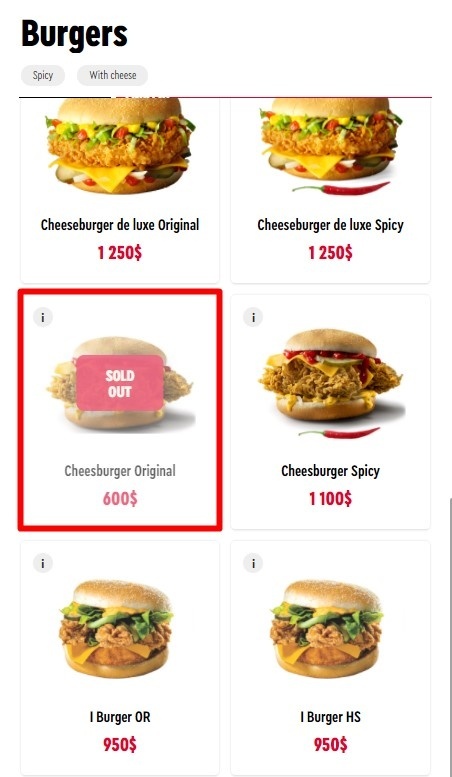
When both the Show dishes from the stop list on the menu setting and the Show dishes from the stop list only if the extended property ShowIfInStopList is set setting are enabled simultaneously, the kiosk menu will display items that are available on the kiosk, added to the stop-list, and for which the ShowIfInStopList extended property is filled in on the r_keeper side.
Items for which the ShowIfInStopList extended property is not filled in will not be displayed.

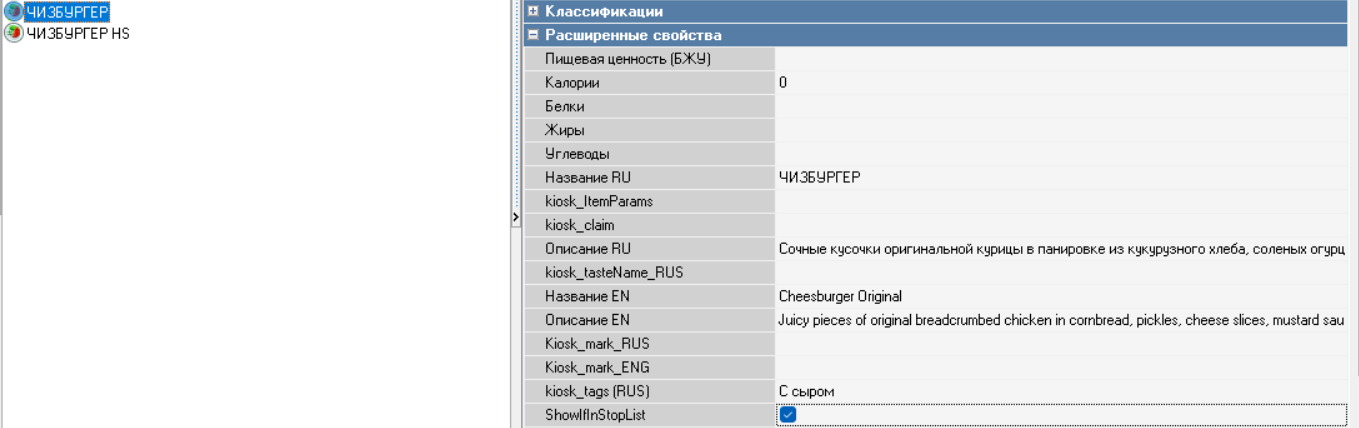
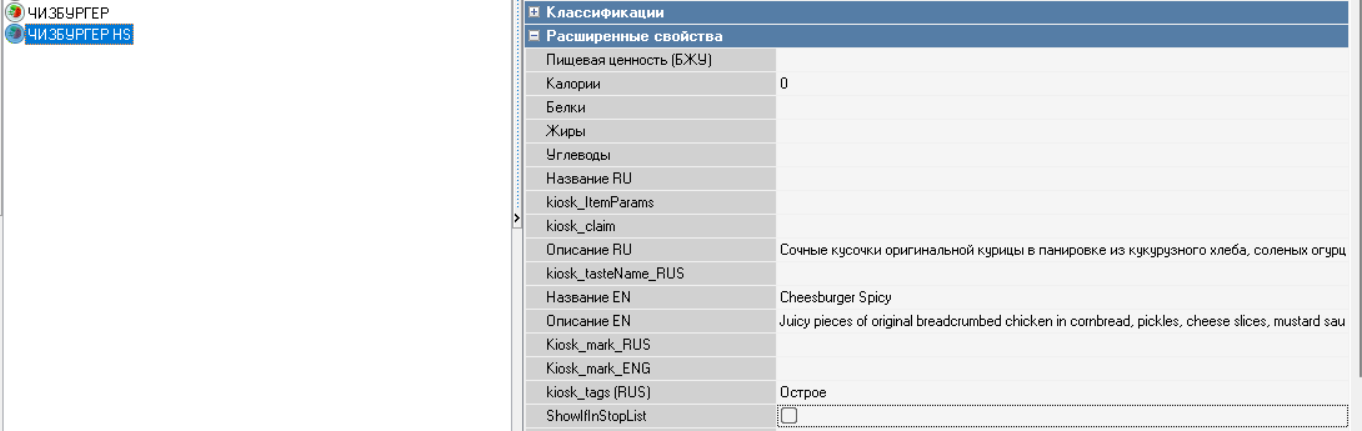
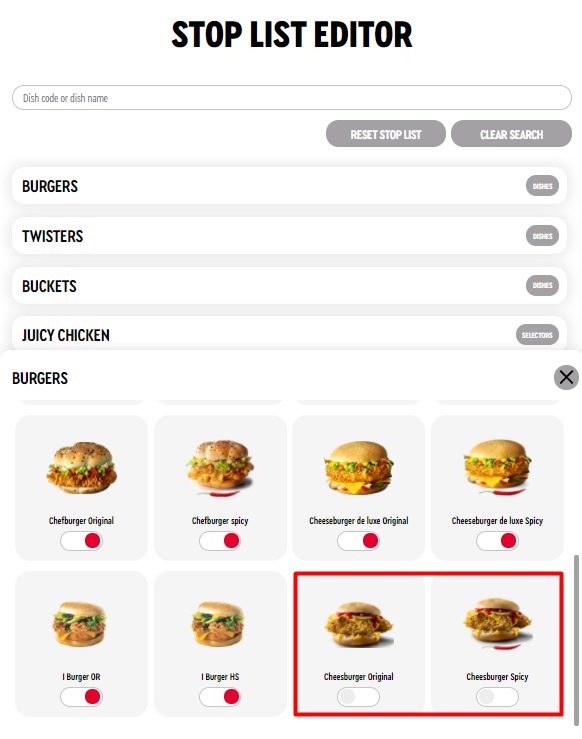
With these settings, only the CHEESEBURGER will be displayed in the kiosk menu, because its ShowIfInStopList extended property is filled in:
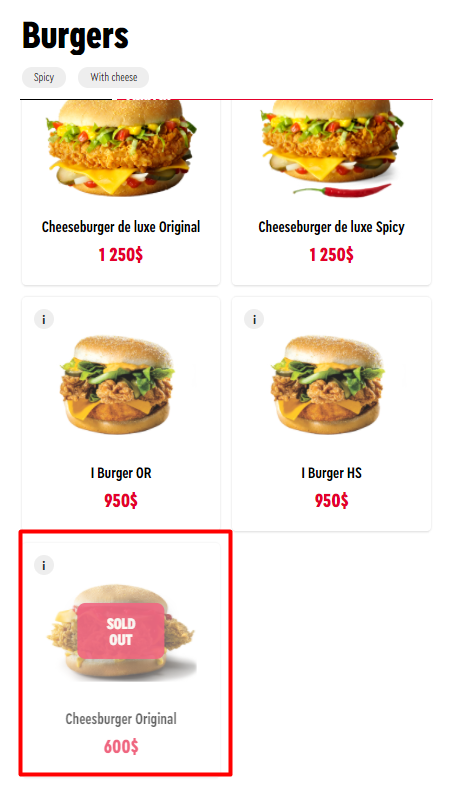
For inactive items, the information icon i remains active and clickable: