The Check scene displays the order until final payment.
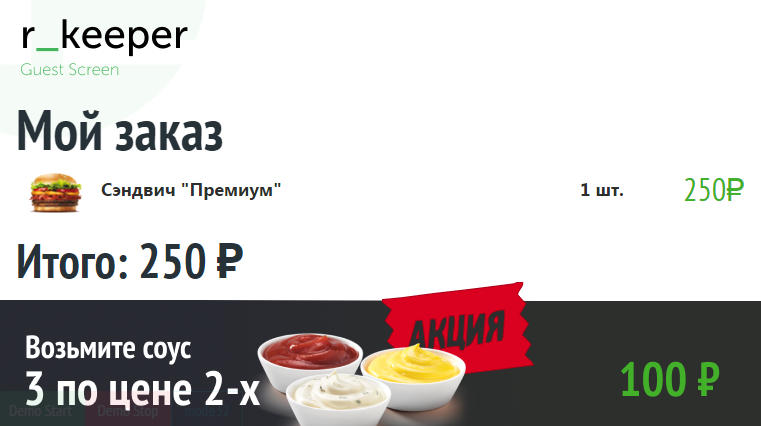
Check Scene Settings
The following parameters are available in the Check scene:
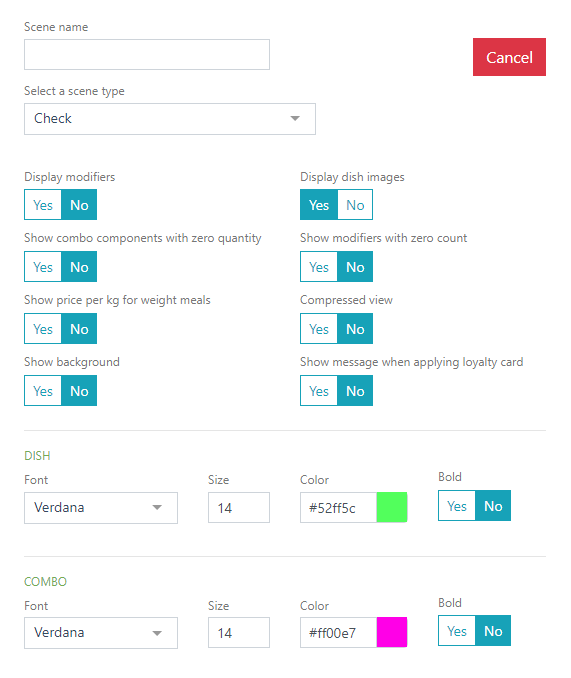
- Enable/disable the display of modifiers.
- Enable/disable the display of menu item images.
- Display combo components with zero quantity.
- Display modifiers with zero quantity.
- Compact view – arrangement of added menu items in two columns.
- Display background – apply the background color specified in the parameter below.
- Display message when applying a loyalty card.
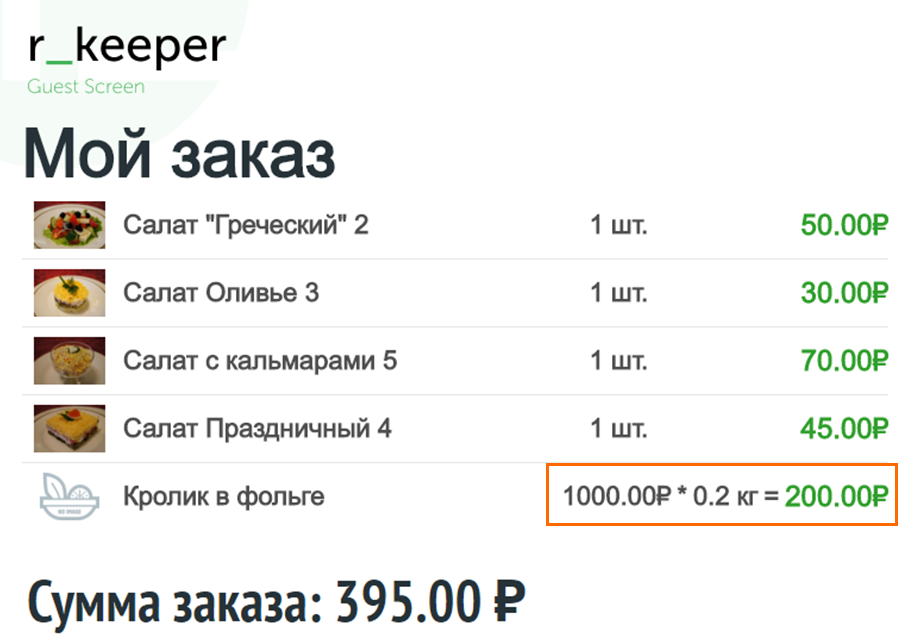
- Show price per kg for weighted menu items – when enabled, the Price for a weighted menu item will be displayed as a formula as follows:
- For menu items, combos, modifiers, prices, units of measure, texts in the block with summary information, you can set the appropriate font, color, size, and display weight on the screen.
You can also set the background color for the backing.
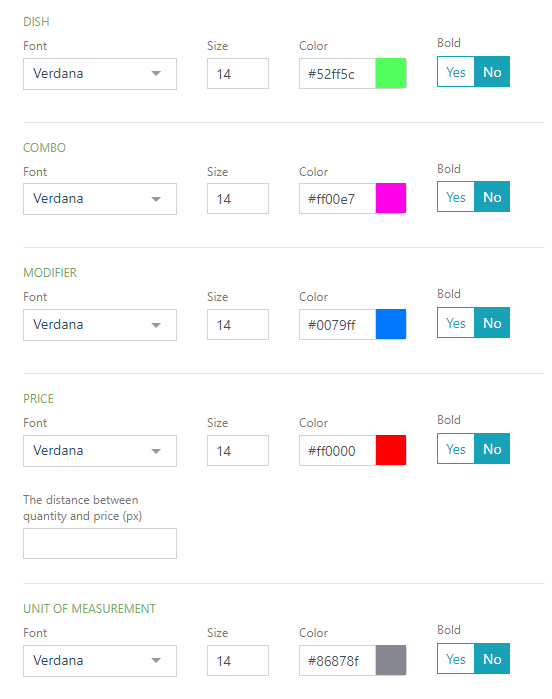
- To change the text or scene color, use the html color palette:
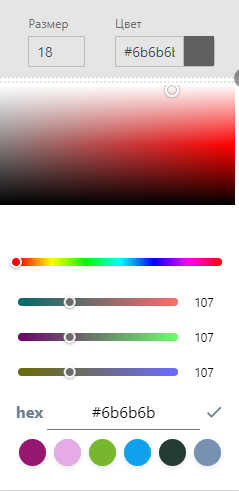
Click the Save button to save the new scene, or the Cancel button to cancel.
Done.