Scenes
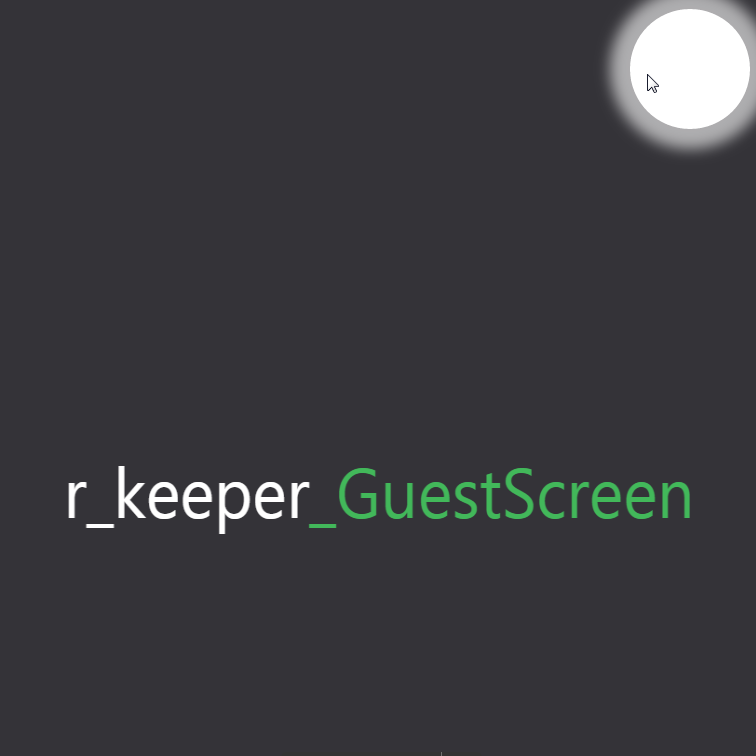
To enter the settings of r_k GS, run the program and click 5 times in the upper right corner of the screen. A white circle should appear when clicking.
After this, the main settings mode window will open.
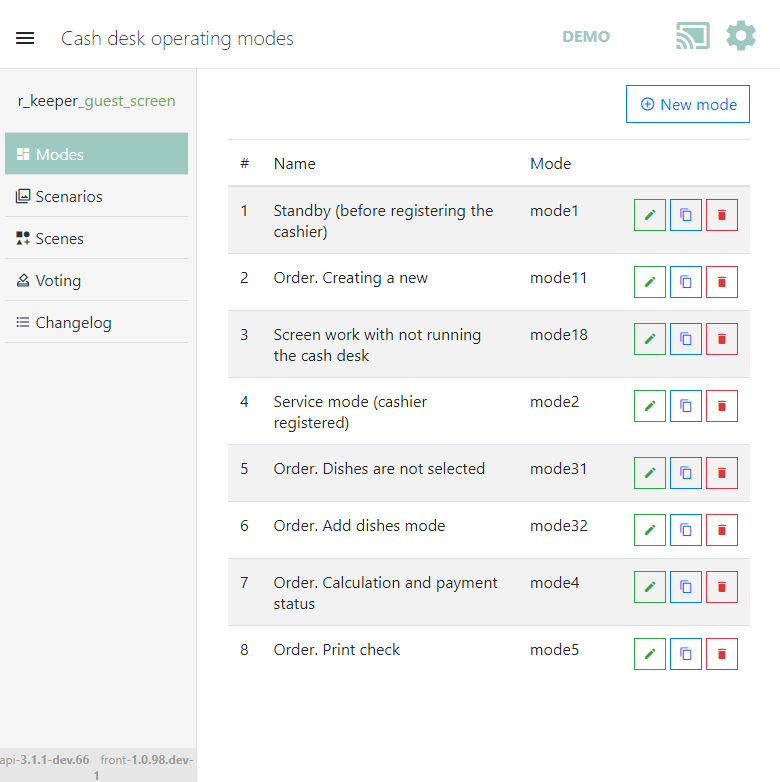
 — A button to control the display of the section list area.
When this button is pressed, the section list area will be hidden. Pressing this button again will return the area to the screen
 — A button to enter demo mode
 — A button to exit settings mode and return to guest screen mode
 — A button to open the Settings section.
The section list includes:
- Modes – one of the states of the cash application (waiting, new order creation, checkout, payment, etc.).
- Scenarios – a list of events according to which scenes will be used.
- Scenes – graphical display rules for a particular cash mode.
- Voting – display of voting results on the r_k GuestScreen for a selected period.
The settings area includes:
- General – loading templates, font settings, and other general settings.
- Screens – screen configuration.
- Connection – settings for connecting the screen to the cash server.
- License – obtaining a license.
Hotkeys:
- F11 – toggle full-screen display.
- F5 – refresh.
- Ctrl+F5 – refresh without cache.
Read more: