In this section, the connection to the cash register is configured.
Fill in:
- HTTP int.: address – IP address of the cash server.
- HTTP int.: port – HTTP port of the cash server.
- RK7: login – the username from the HTTP-Access group.
- RK7: password – the password for this user.
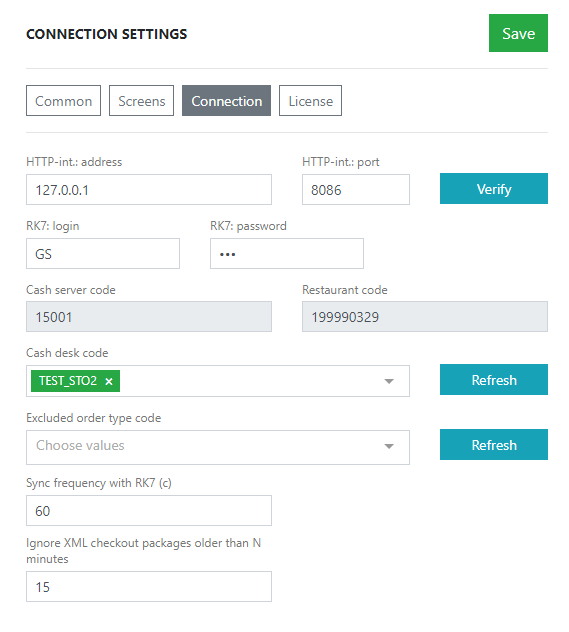
- Click the Check button. The system will check the connection and display a message depending on the result.
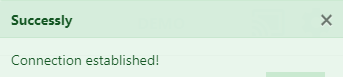
- If the data is entered correctly, a connection established message will appear
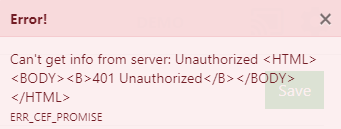
- If the login and password are incorrect, an Unauthorized error will appear
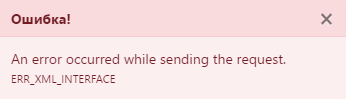
- An error occurred while sending the request means the connection settings to the cash server are incorrect. Check the IP and connection port.
- After a successful connection, the restaurant and cash register codes will be loaded from the cash server. Select the required cash registers from which orders should be received in the Cash register code field
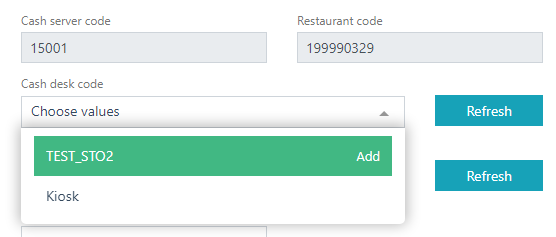
If cash registers are not displayed, click the Refresh button - Optionally, specify the logging level and synchronization frequency with r_keeper
- Click the Save button.
Connection setup is complete.
For the settings to take effect correctly, we recommend restarting the device.