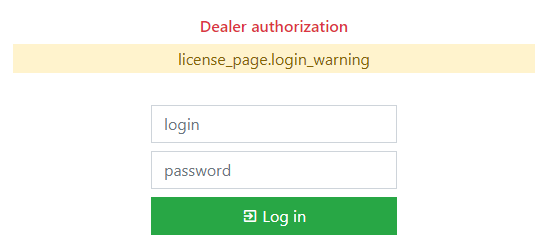
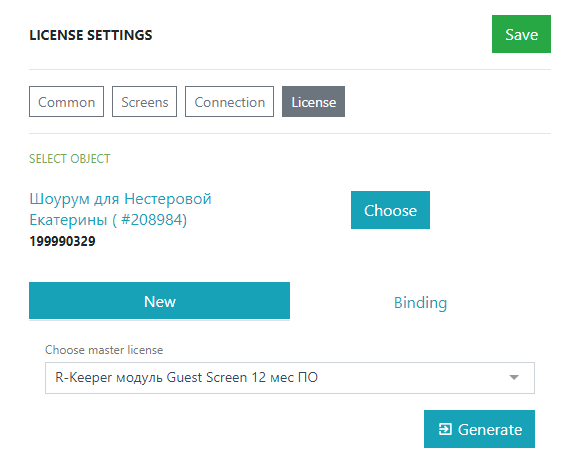
r_k GuestScreen Settings Mode Settings Current: License License In the License section, you can delete or bind a license. Log in with your Licensing System username and password Starting from Guest Screen 1.0.0.83, login to licensing is only possible using the dealer's email address. After successful login, a screen for activating the license will appear.Click the SelectUse the search to find and select your object.Next, click on the Get newSelect the master license.Click the GenerateDone, the system is licensed. If everything went well, the standard program window will open. ×