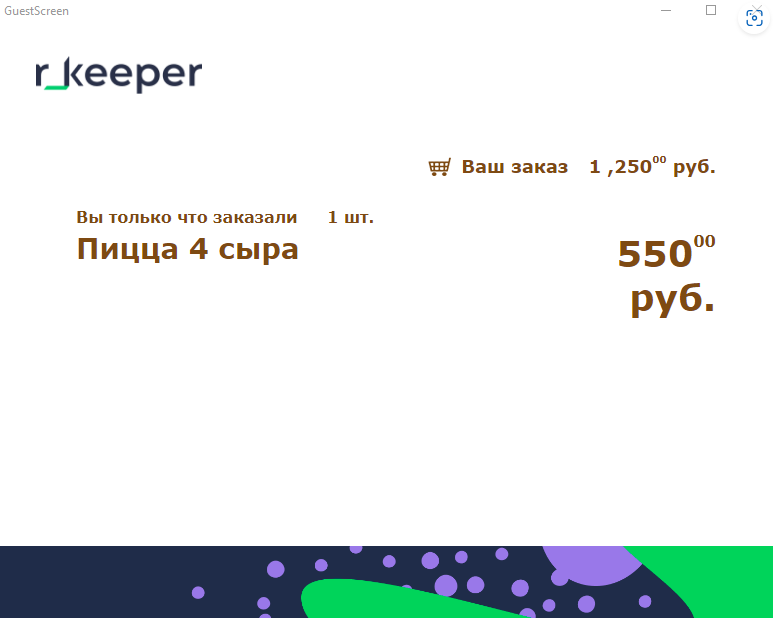
The Screen scene displays information about the last dish added to the order.
To configure the scene:
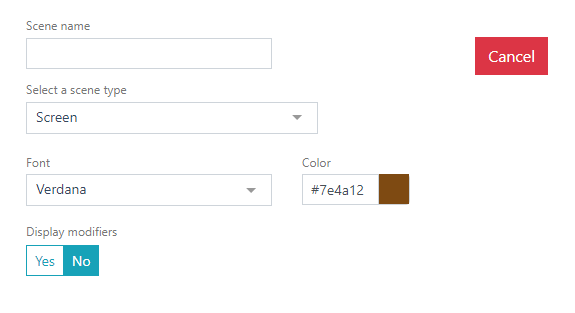
- Select the scene type.
- Select the font and font size.
The scene's dimensions are determined by the size of the block in which the scene is placed. - Click the Save button to save the new scene, or the Cancel button to cancel.
Done.