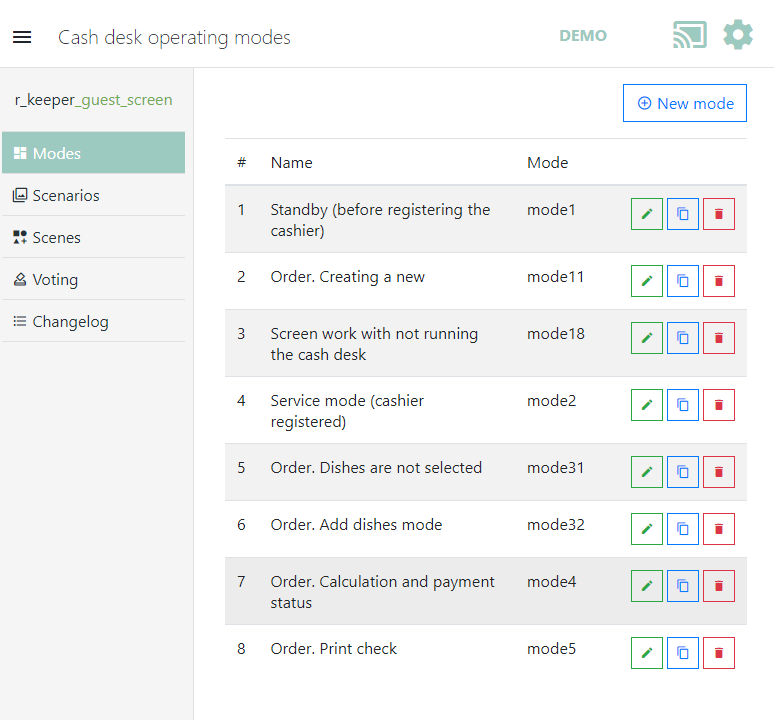
mode1– Waiting mode (before cashier registration) – this mode operates at the cash station before employee authorization.
mode2– Service mode (cashier is registered) – this mode operates when an employee is authorized but has not yet started creating an order.
mode11– Order. New creation – this mode operates on the cash register ready to accept an order.
mode31– Order. No menu items selected.
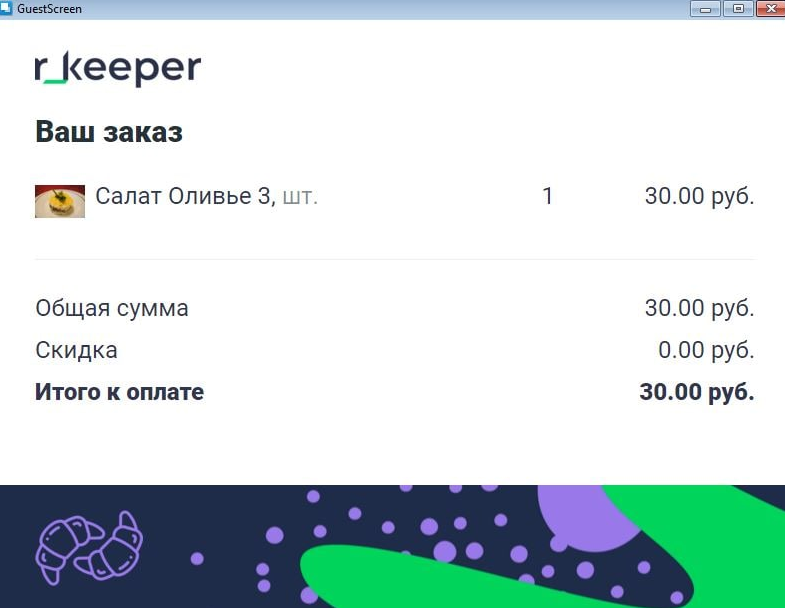
mode32– Order. Menu item addition mode – this mode operates when adding menu items at the cash register.
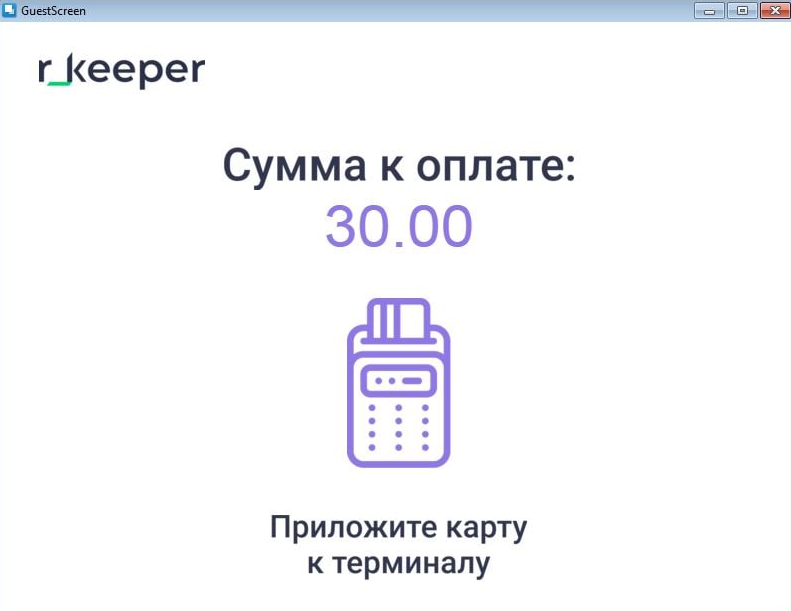
mode4– Order. Payment and payment status – this mode operates when displaying the order with the total payment amount.
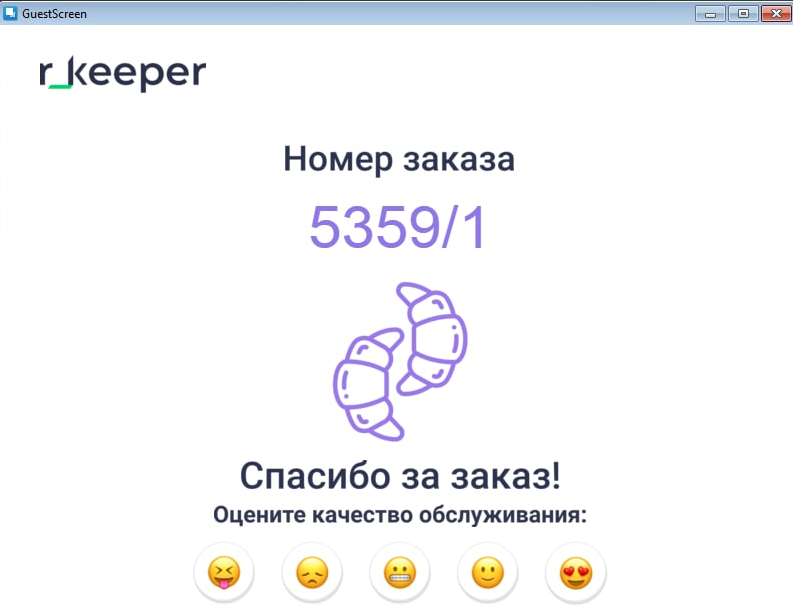
mode5– Order. Receipt printing – this mode operates at the moment of printing a receipt.
mode18– Screen operation with cash register not running – this mode operates when connection to the cash register is lost.
Each mode can be edited.
The preset appearance of modes:
Themode1before cashier registration looks the same asmode2, but can be modified
Themode31before menu item addition
The menu item additionmode32 Optionally, you can configure the required font, size, and text color for menu items, combos, modifiers, price, and unit of measure.