- errors occurred during synchronization. The error text itself can be viewed in the "Settings" section.
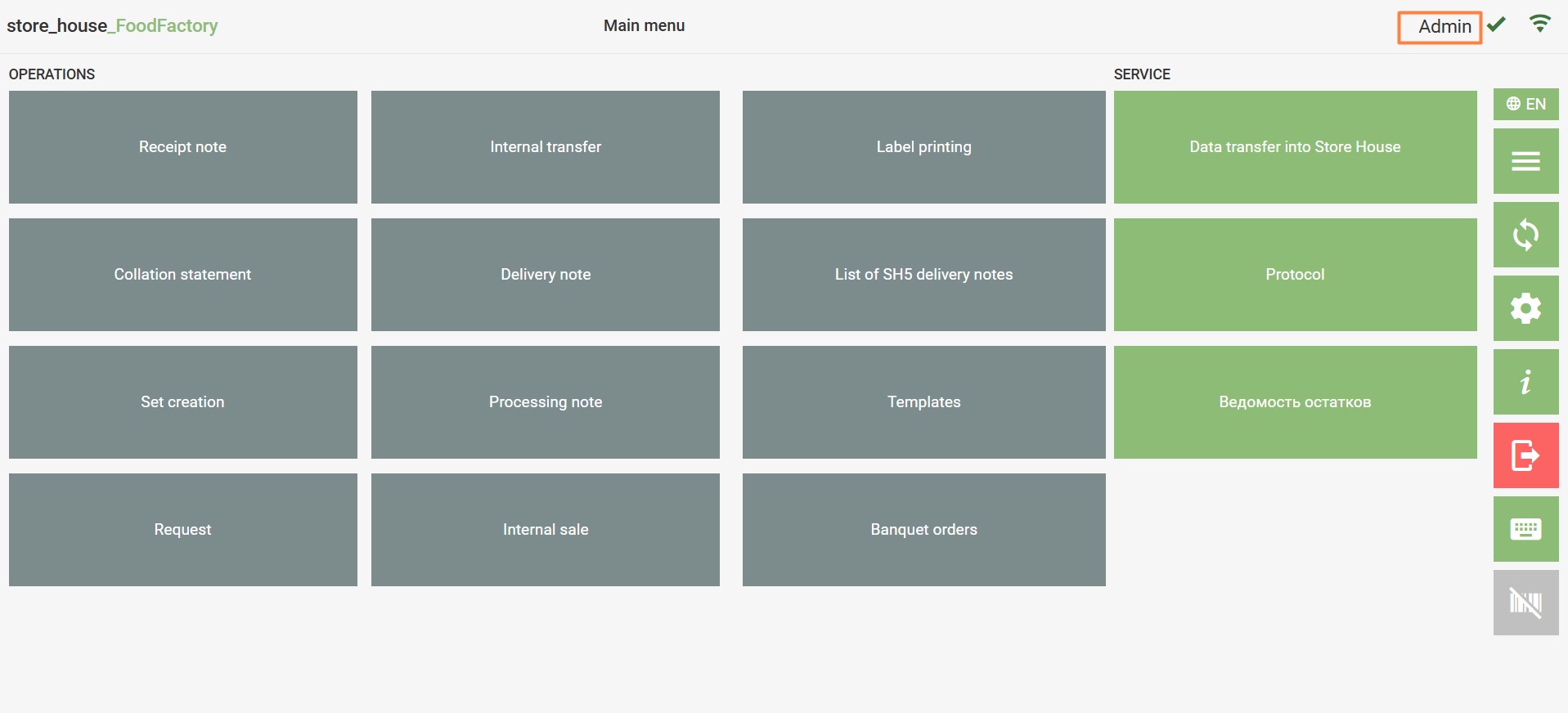
If the connection to the StoreHouse5 server is established, a green wireless icon will be displayed in the upper right corner.
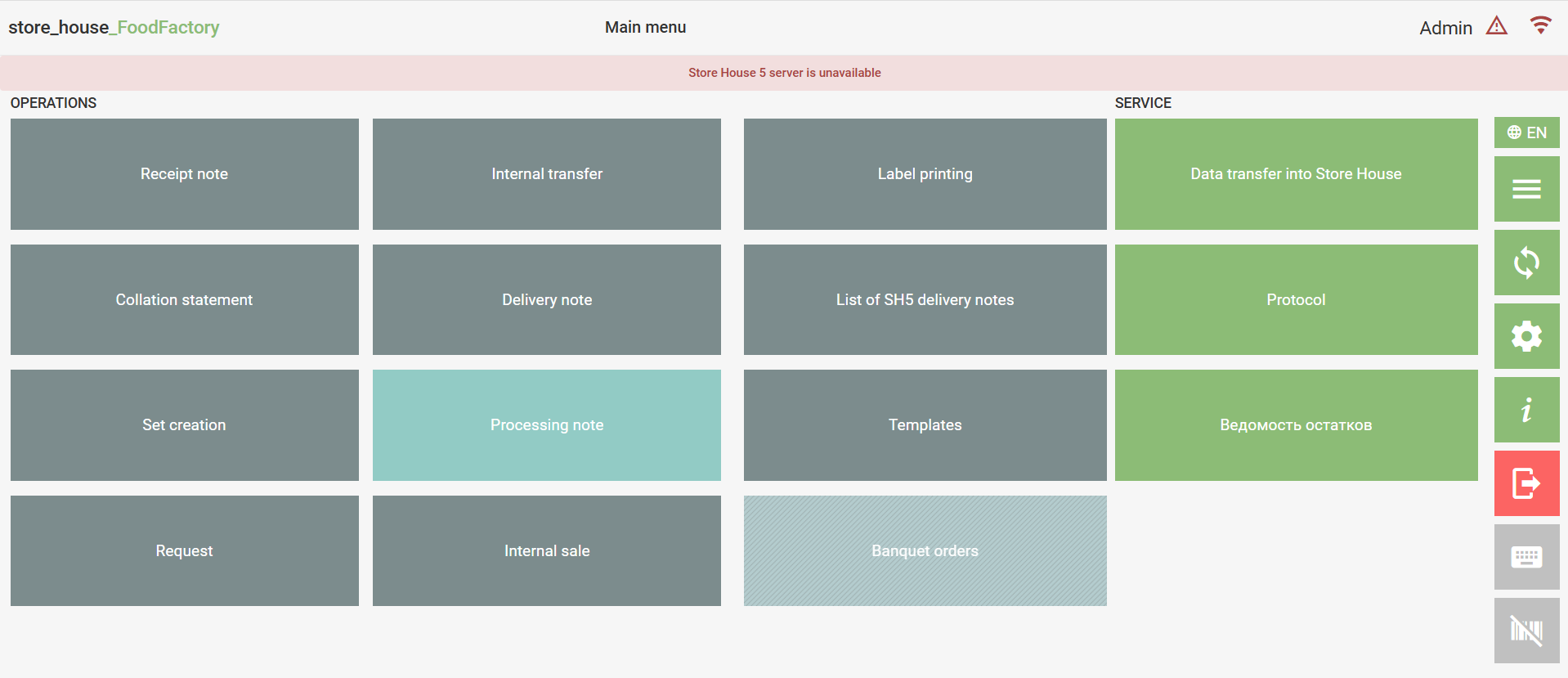
If the connection to the StoreHouse5 server is not established, a red wireless icon and the message "Store House 5 Server is unavailable" will be displayed in the upper right corner. In this case, automatic synchronization and data transfer from FoodFactory to StoreHouse5 will be unavailable.
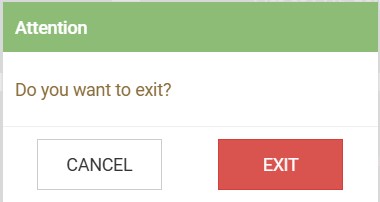
To exit the application, press the button
in the main menu and press the "Exit" button in the dialog box that opens.
If an unsaved document was open before exiting the application, it will not be saved at the moment of exit.