To edit an r_k SH Pro delivery note, click the  button for the desired delivery note. In the document that opens, make the necessary changes (see from item Filling Main Fields to item Saving the Document). The user will be able to save the changes only if they have rights for all department groups used in the edited delivery note.

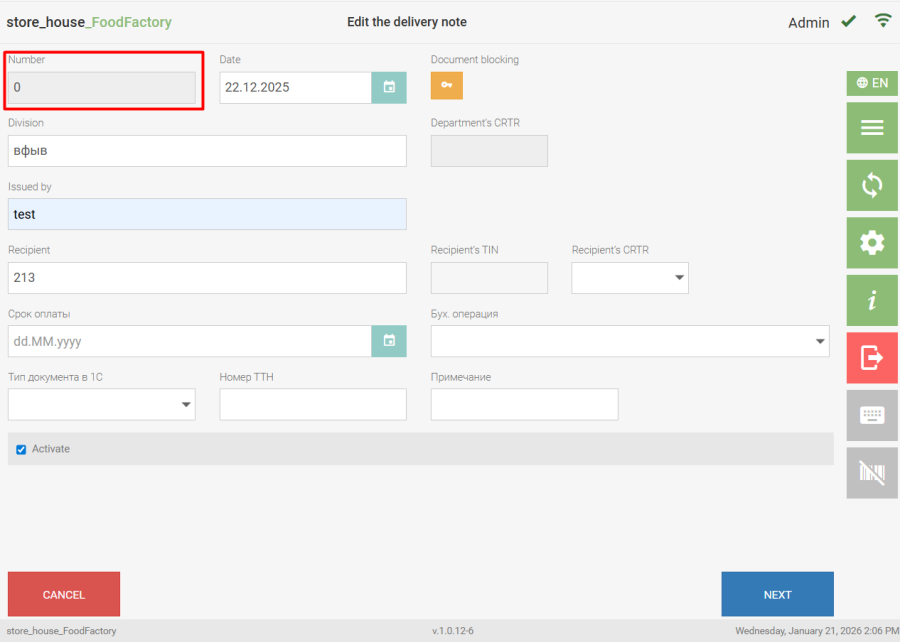
Fields in delivery notes will be available for editing only in the absence of blocking. The "Number" field is not available for editing, as the number is assigned automatically when the document is saved. |
 In receipt and expenditure delivery notes, when editing the date, supplier/recipient, or department, a message with the question "Update tax rates and prices according to the contract/price lists?" will appear.
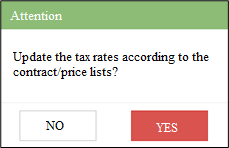
If the "Yes" button is selected, the price and tax rate values in the delivery note on the Goods tab will be set according to the values of the price list for the specified date. If the "No" button is selected, the price and tax rate values in the delivery note will not change.