In the SH5 delivery notes list, each delivery note has buttons for possible actions displayed on the right side of the window: view, edit, print, and copy.
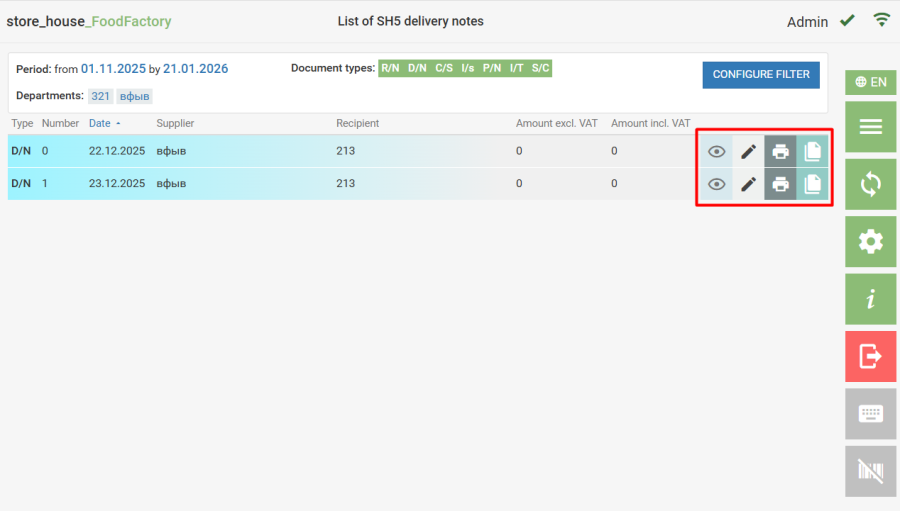

- Viewing a delivery note is similar to viewing a saved delivery note in FoodFactory.

- In editing mode, the user can make the necessary changes to the delivery note, as well as activate or deactivate the delivery note, if they have the appropriate rights.

- Printing a delivery note is similar to printing a saved delivery note in FoodFactory.
 - Copying a delivery note. When the button is clicked, a copy of the delivery note with the current date is created in the local FoodFactory database. The new document transfers correspondents, departments, goods, quantities, and amounts. The created document will be assigned a number according to FoodFactory rules. The document will be created with the form opening.