A courier can only be assigned to orders with the Delivery method.
Courier
You can assign a courier to an order in the call center only after creating an order. To do this:
- In the general list of orders, go to the Active tab and click on select the desired order
- The order card will open. Scroll down the page and find the Order Details section.
- In the Delivery field, select Сourier delivery
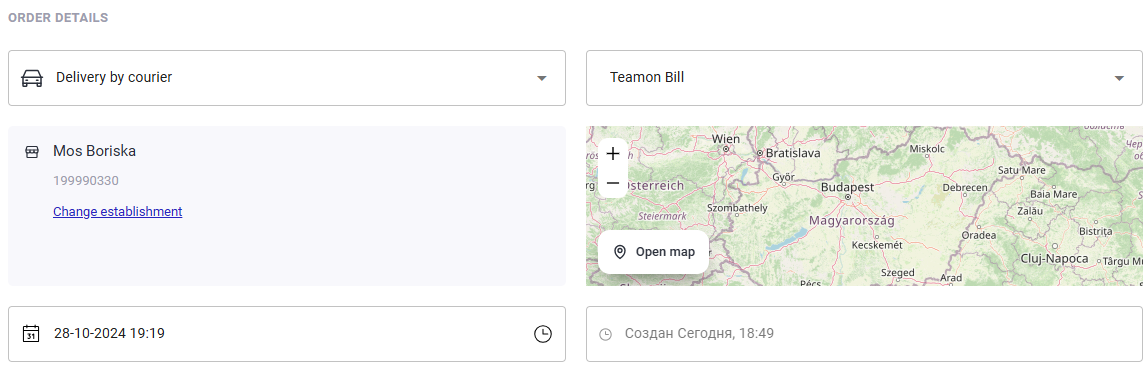
- The Courier field will appear. Select an available courier from your establishment to assign the order to.
- Click the Save button in the upper right corner to save your changes.
- Click on the Back button
 to return to the list of orders.
Done. The order is created and a courier is assigned to it.
The list of available couriers is configured in the Couriers section of the administrative panel.