As of version 2.0.12, the Electronic Queue Number scene is available, allowing you to display the guest's queue number on the screen.
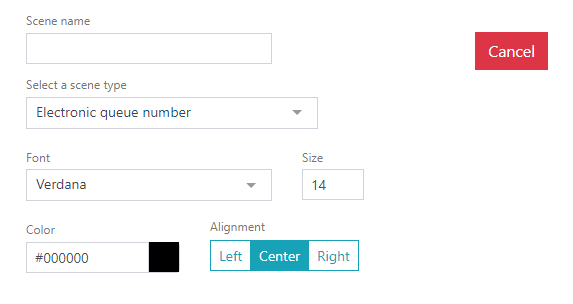
- Select the Electronic Queue Number scene type.
- Select a Font and set its size. The default font is Verdana.
The system settings allow using both preset fonts and uploading your own. If you want to use your own font, upload it in the Settings. - Select a text color. To change the text color, use the html color palette. The default is black.
- Specify the Alignment – position on the screen: left, center, or right.
Done.