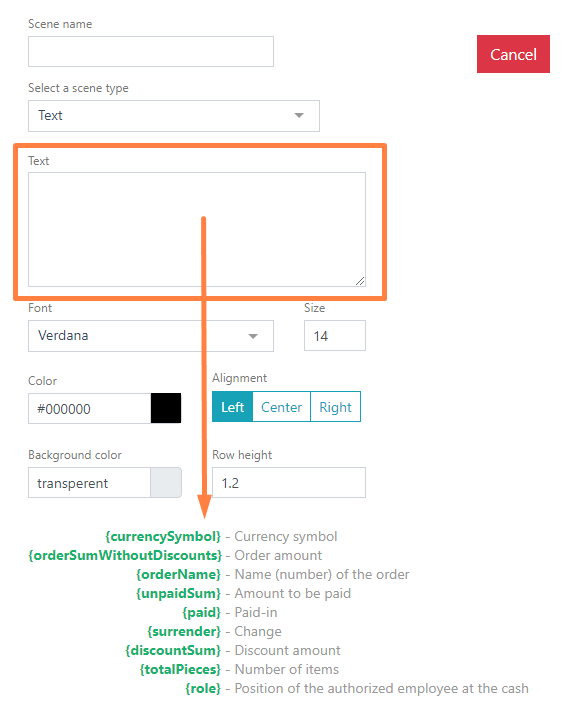
In the Text field, enter the required text information that will be displayed on the screen.
The scene allows only one line of text.
If necessary, the text can be linked to the parameters listed below by specifying the parameter name in parentheses after the text.
Select a Font and set its size. The default font is Verdana The system settings allow using both preset fonts and uploading your own. If you want to use your own font, upload it in the Settings.
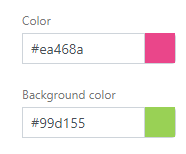
Select a text color. To change the text color, use the html color palette. The default is black.
If necessary, set the Background color and Line height
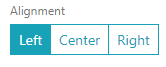
Specify the Alignment – position on the screen left, center, or right.
Then click the Save button to save the new scene, or the Cancel button to cancel.