Before starting work in FoodFactory, certain settings must be configured. To access the settings, the authorized user must have the corresponding right.
All settings apply to the FoodFactory server in use.
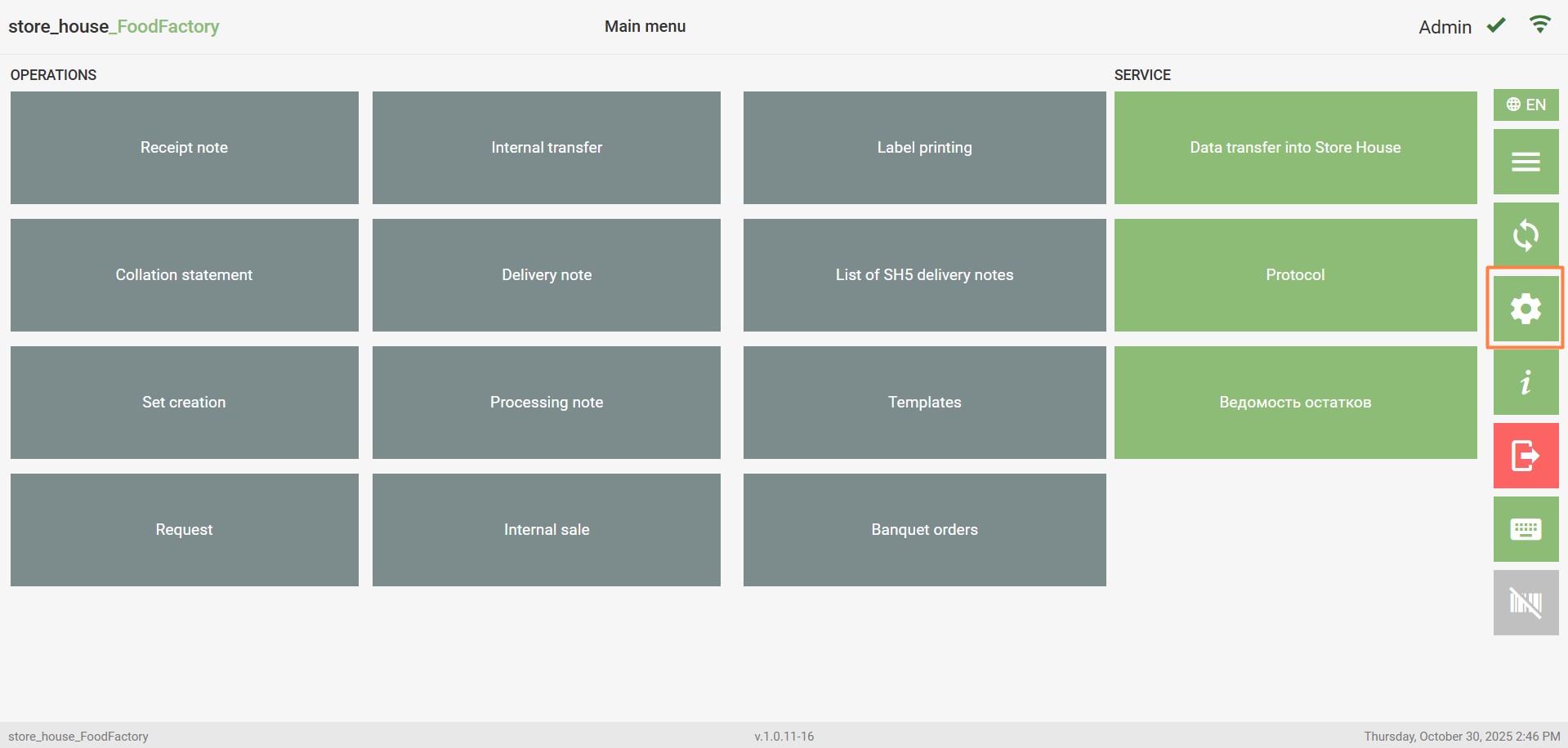
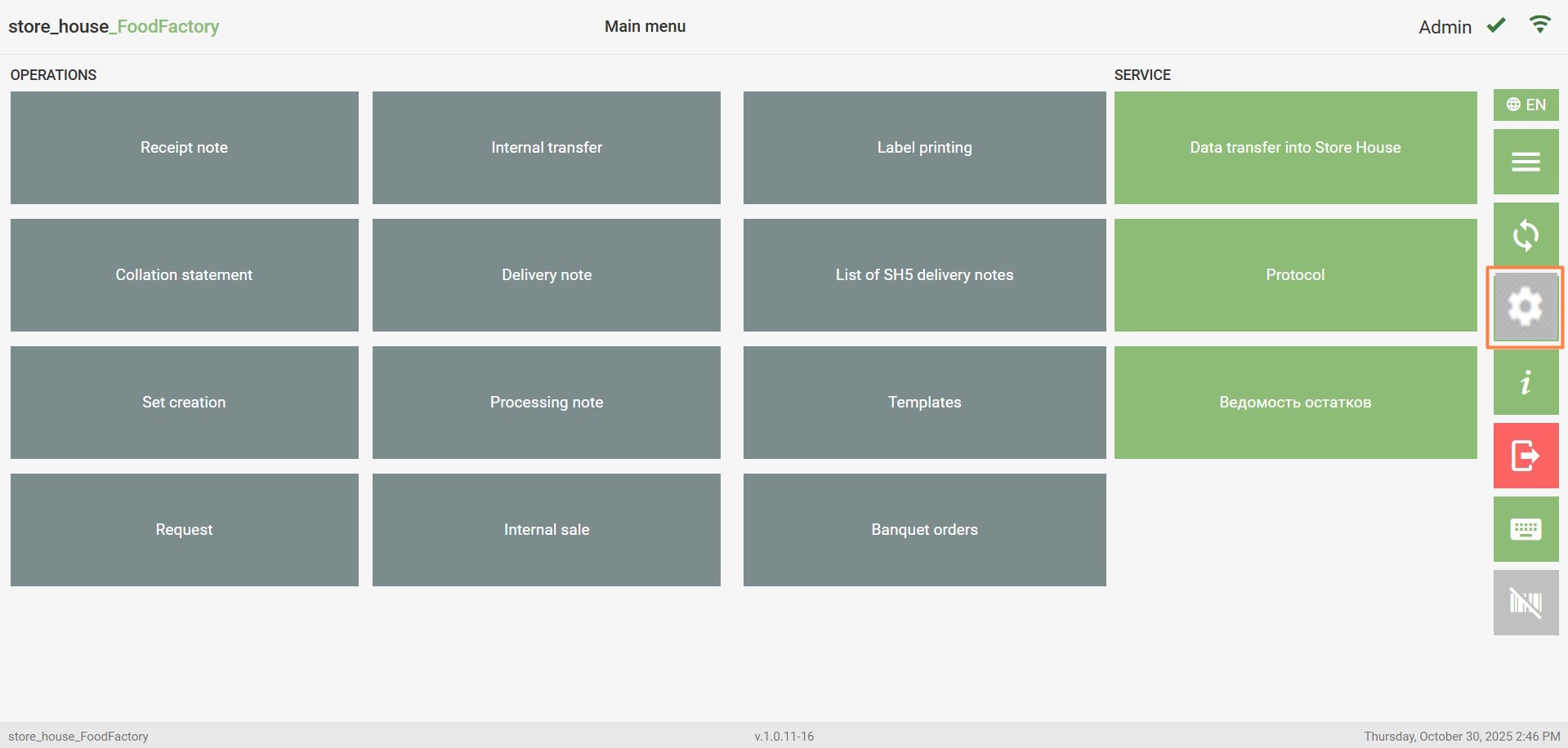
To configure the application, open the settings page by clicking the button in the functional buttons area.
If the user is not granted the "Allow configuration of FoodFactory settings" right, the settings button will be inactive.
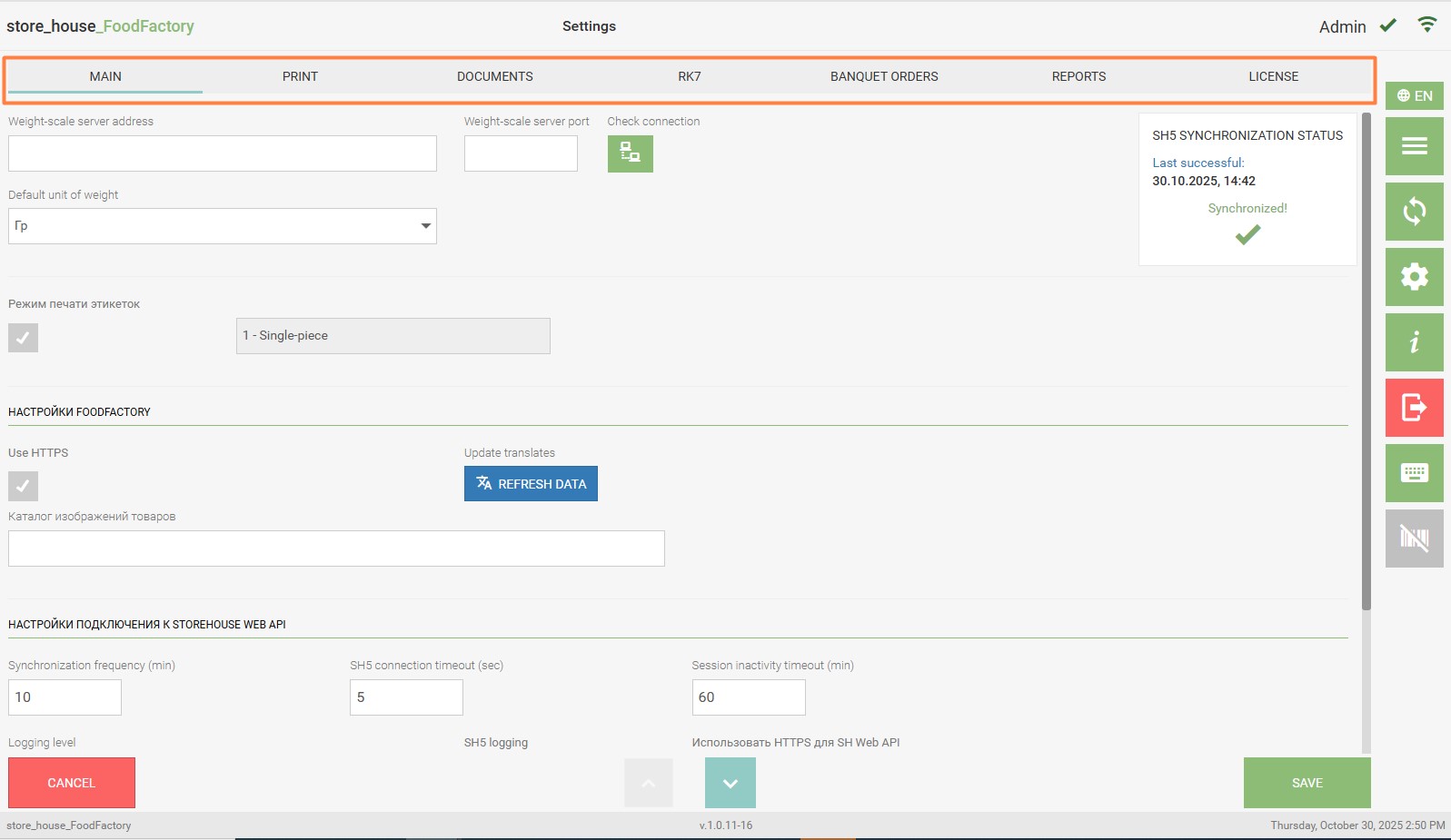
Next, configure the application (main settings, print settings, and document settings). If necessary, you can check the license expiration date and/or renew it.
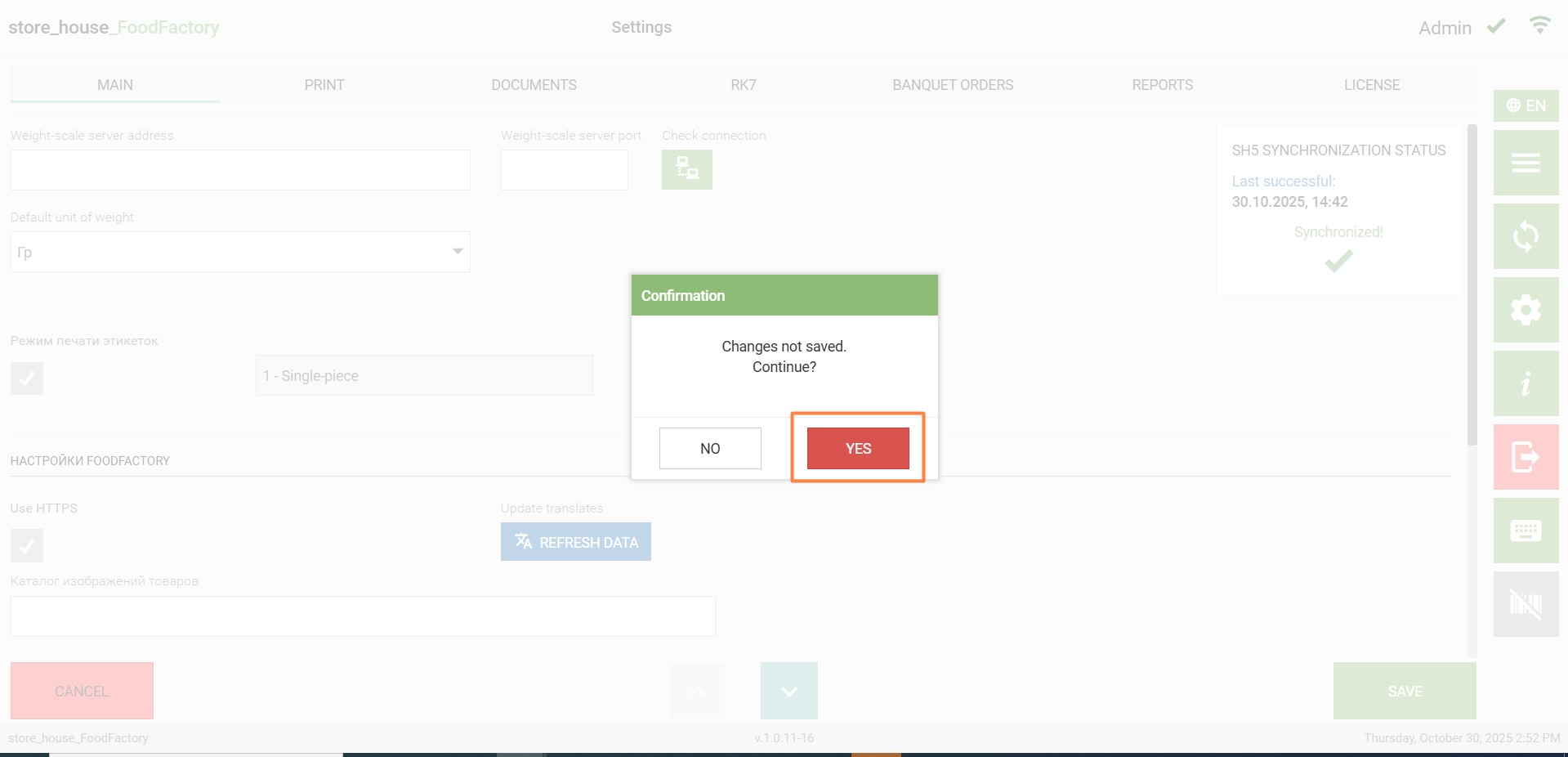
After making changes to the settings, click the "Save" button on any of the tabs. The settings window will close, and the system will return to the Main Menu window. To cancel saving changes to the settings, click the "Cancel" button, and then click "Yes" in the confirmation window.